
Core Event
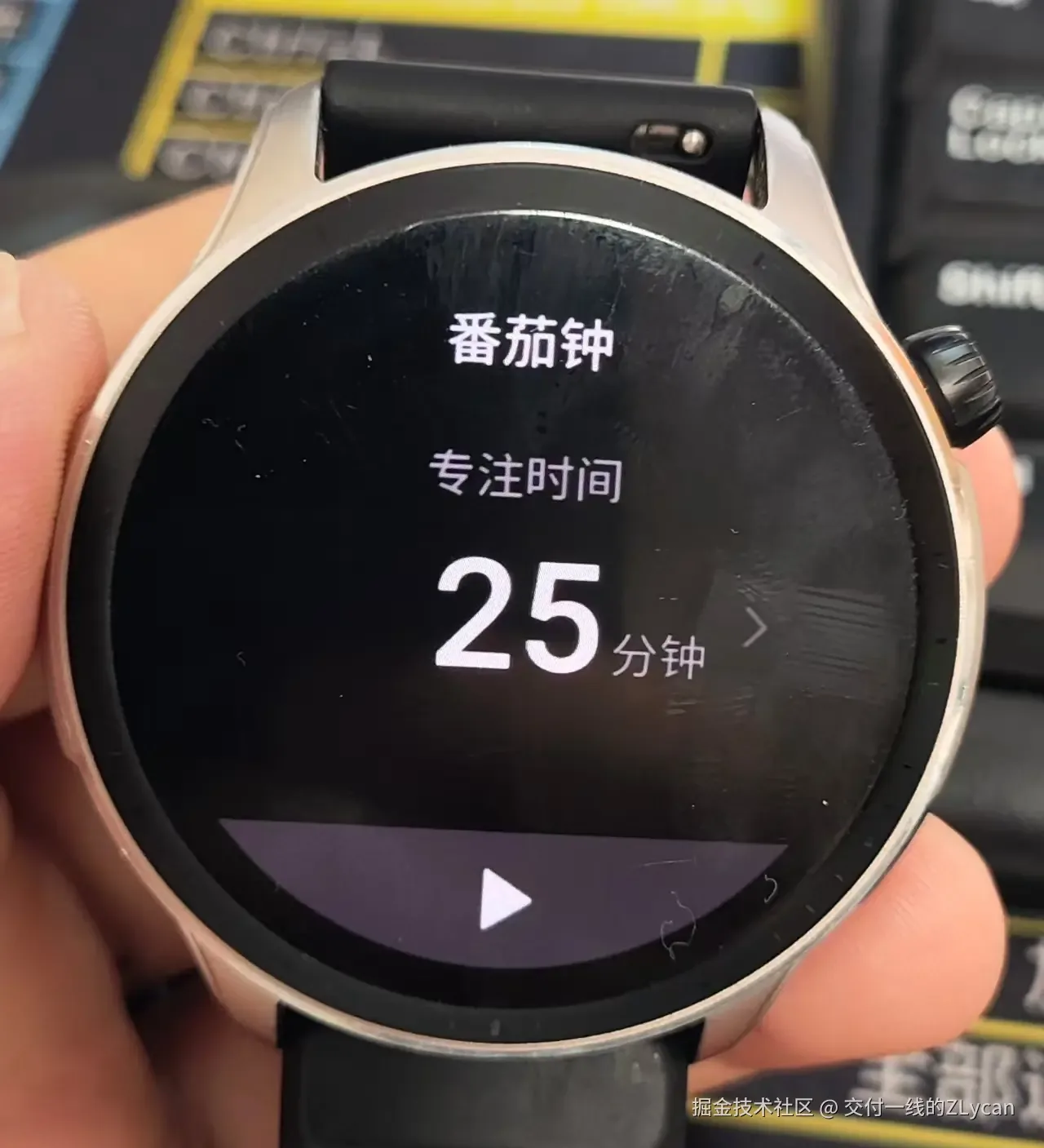
A developer has customized a Pomodoro task management app named “Pomodoro Todo” for the Amazfit GTR4 smartwatch using AI-assisted coding, enabling synchronization of dida清单 tasks to the watch paired with Pomodoro timer-based task completion. The application is now open-sourced on Gitee.
Key Facts:
- Platform: Zepp OS 3.5 (Amazfit GTR4 system version)
- Development approach: Node.js environment + Cursor AI Coding assistance
- Hardware target: Amazfit GTR4 round-display smartwatch
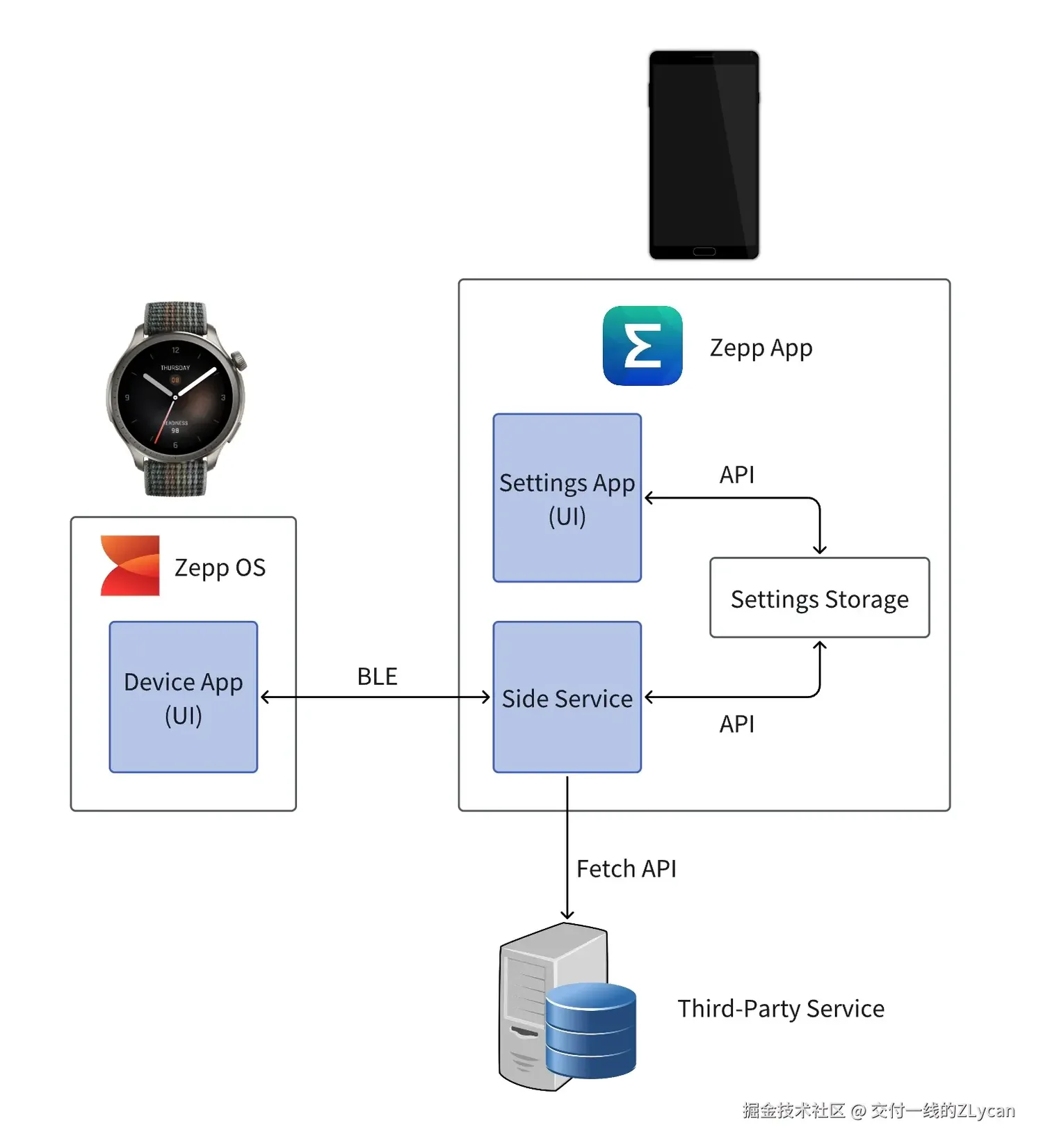
- Sync architecture: Edit tasks on smartphone companion app, on-watch with Pomodoro timer
- Source code: Available on Gitee (Amazfit GTR4 Pomodoro Todo repository)
Development Process & Technical Approach
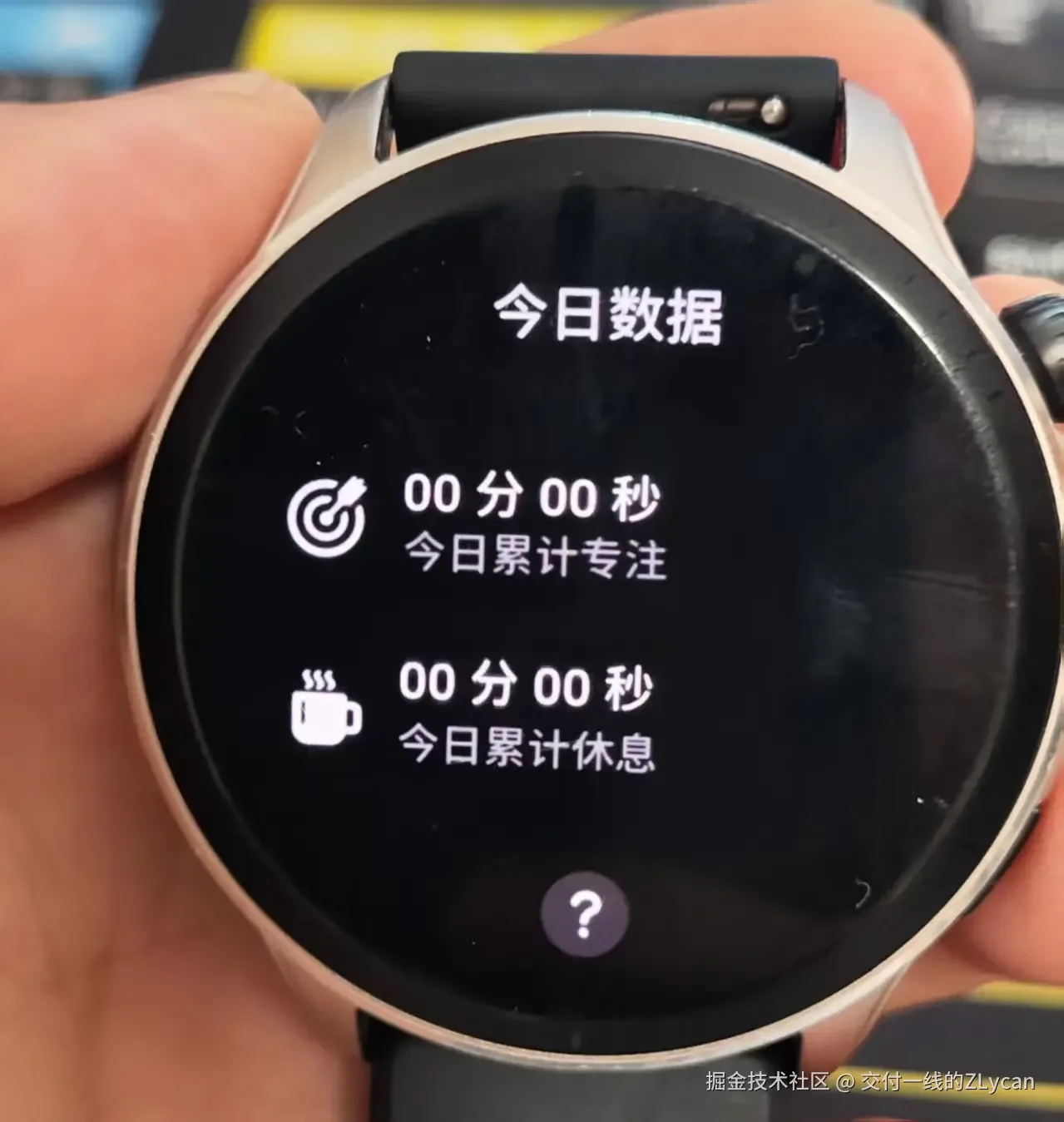
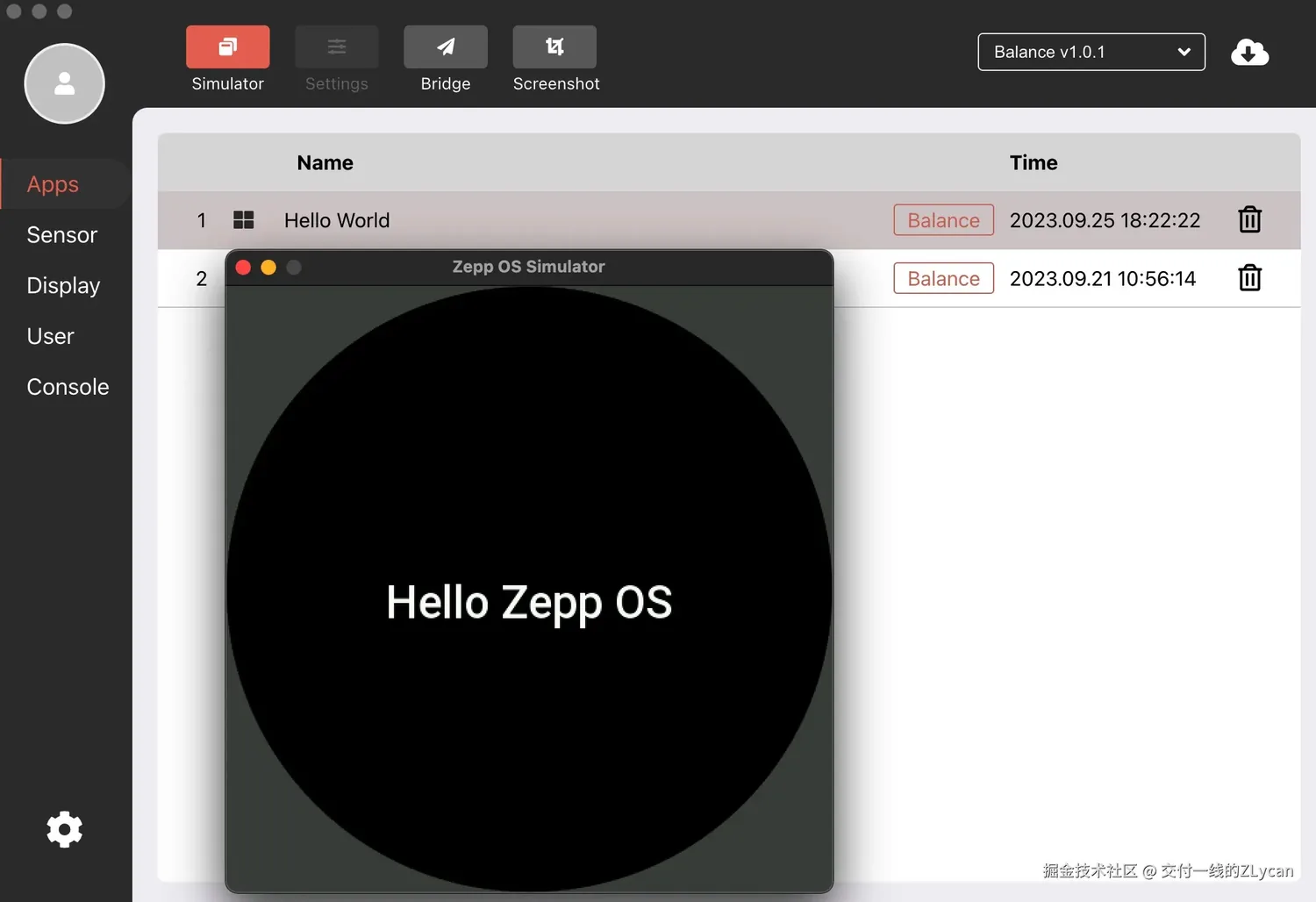
Leveraging Zepp OS official documentation, the developer set up a Node.js development environment and installed the wearable simulator. The project started with the zeus create template to generate a basic Pomodoro task list framework, then used Cursor AI for majority of functional coding.
The six core requirements were:
- Tasks breakable into multiple subtasks for granularity
- Due date setting support per task
- Predefined workload specification (hours or Pomodoro count)
- Timer-based consumption tracking (Remaining = Predefined - Consumed)
- Configurable work/break intervals (default 25/5 minutes)
- Background running permission, supported by GTR4 OS 3.5
UI design adapted for GTR4’s round display, requiring the AI to ensure appropriate font sizing and complete content visibility—this round-screen constraint contrasts sharply with most square-display watch apps, adding layout complexity.
Key Pain Points & Platform Limitations
OS Environment Differences
The guide explicitly recommends Ubuntu over Windows for development, avoiding simulator connectivity issues especially under restricted corporate network conditions.
Customized Node.js Runtime
Zepp OS uses a trimmed Node.js runtime—standard mobile Node.js syntax is not universally compatible. Developers must provide relevant configuration materials to assist AI in handling this disparity.
Permissions & System Capabilities
GTR4 cannot edit task lists directly on-device, necessitating a smartphone companion app for editing while the watch handles only display and timer on-clock. Third-party apps cannot access system dialog button events, and background running remains restricted (no direct OS-level app return capability).
Hardware Performance Constraints
Zepp OS documentation explicitly advises against heavy computation on the watch; such tasks should be delegated to the smartphone companion app to maintain smooth operation.
Developer Best Practices
| Technical Focus | Recommended Practice |
|---|---|
| Requirement specs | Must be detailed; AI cannot interpret ambiguous instructions |
| Development planning | AI must output and discuss a plan before coding begins |
| Version control | Commit immediately after major features, avoiding complex rollbacks |
| Bug fixing scope | Limit feedback to 5 core issues per round to prevent ctx overflow |
| Change tracking | Require AI to tag each modification for verifiable changes |
| Code quality | Enforce minimal changes, reducing redundant code for maintainability |
Practical Guidance
Ideal for:
- Tech-savvy users with basic programming skills or DIY experience
- Users applying Pomodoro+滴答清单 methodology with Zepp OS devices
- DIY practitioners wanting to repurpose aging hardware
Worth waiting:
- Complete beginners (current threshold remains significant)
- Users seeking ready-to-install solutions (currently open-source template only)
Final Note
The Zepp OS ecosystem continuously expands through open-source experimentation: AI-assisted coding has dramatically lowered application development barriers, though hardware constraints persist. The smartphone-companion model already provides a pragmatic solution for wearable computing scenarios.