Lynx | GitHub Deep Dive: Humanizer — Restoring Humanity to AI Text
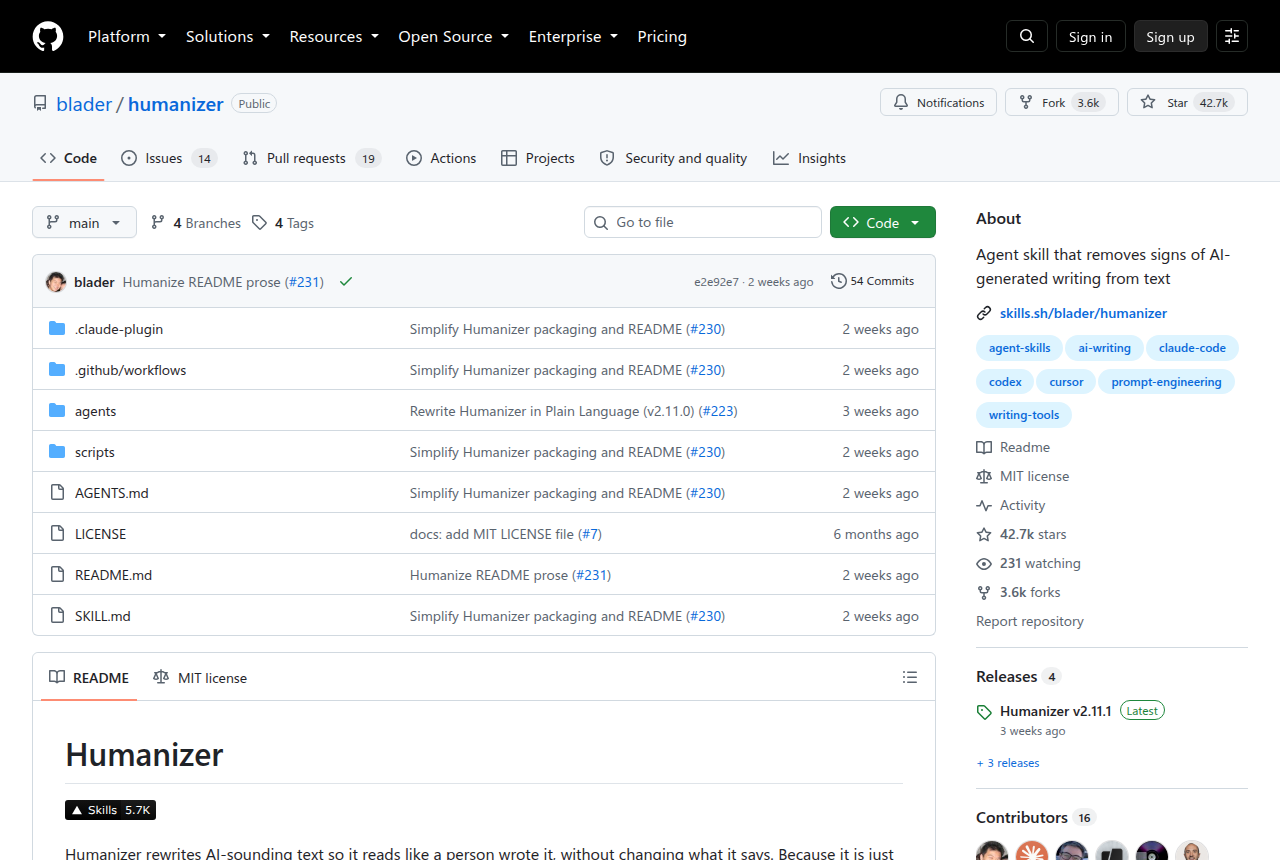
This is a rescue mission for writing. As more and more digital content gets covered in LLMs’ “overly fluent grammar,” the rising GitHub star project Humanizer has chosen a quiet but resolute path: it doesn’t generate content, it only reshapes expression — restoring AI-diluted prose to the texture of something a real person wrote. A new regular on GitHub Trending, this 42K-star Python repository keeps quietly shipping updates, and its core proposition points straight at the crisis we most easily overlook today: as writing that reads too “human” multiplies, writing by actual humans is disappearing.
Thirty-Five Scalpels from “Human-Like” to “Human”
Humanizer works on top of the “signs of AI writing” list maintained by the Wikipedia community. It makes no content innovations — it performs one precise surgical operation on the text: first a first-pass rewrite of the original, then a line-by-line trim against 35 categories of AI writing symptoms.
These symptoms are carefully classified:
- Content distortion: over-the-top praise, vague sourcing, formulaic challenge statements
- Language habits: high-frequency AI vocabulary (actually, Additionally), passive voice, subjectless sentences
- Stylistic decoration: tilde abuse, compulsive bolding, title-case pathology, redundant triple parallelisms
- Chat hallucinations: self-congratulatory “hope this helps” closings, knowledge-cutoff disclaimers
- Filler problems: redundant prepositional phrases, over-hedging qualifiers, hollow upbeat endings
Its philosophy is explicit: no fabricated facts, no style overrides. Proper nouns, data, and dates that the original didn’t provide stay untouched; if the author supplies a personal writing sample, it follows rather than overwrites — technical documentation stays neutral, personal notes keep their voice. It truly “restores the human touch instead of ghostwriting.”
Three Steps to Start, Five Ways to Use
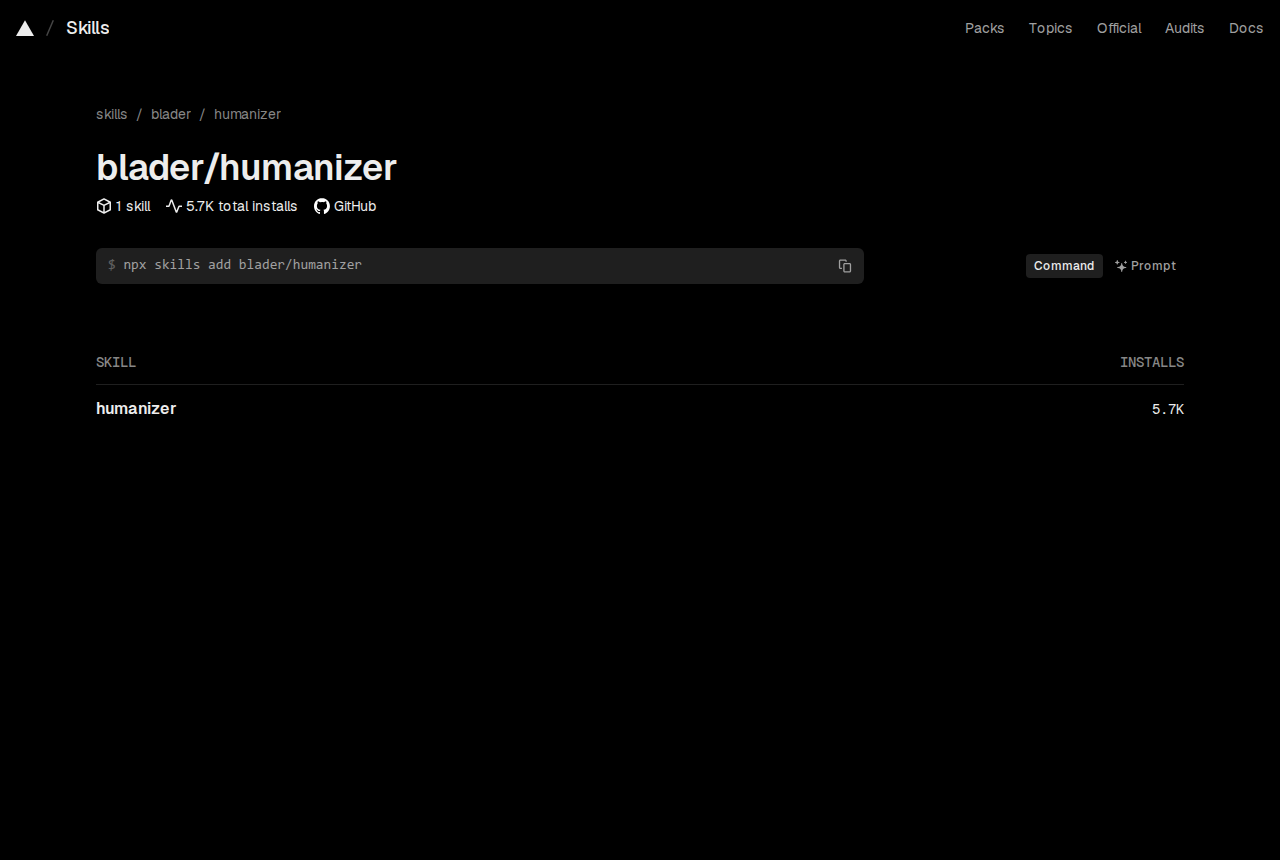
No compilation, no Python install required. Humanizer ships in the GitHub Skills format — any platform that supports that protocol (including the interface you’re using right now) can invoke it instantly.
The simplest usage:
| |
Or give it a path to batch-process files:
| |
It breaks the work into stages: it first outputs the initial rewrite, then attaches short annotations pointing out passages that still read as “AI.” This transparent mechanism lets you either adopt the result in one click or keep polishing based on the hints.
If you want it to match your personal voice, just provide a sample of your own writing first:
| |
It will tune rhythm, vocabulary preferences, and punctuation habits accordingly — a genuine preservation of your “textual persona.”
Design Trade-offs: Credibility Through Restraint
There’s nothing dazzling about Humanizer’s technical choices — a pure Python implementation with 35 controllable, traceable rules. But its design philosophy is full of tension: trade the ceiling for the floor.
The first trade-off is “no generation.” It repeatedly states: facts must come from the original text or the author. This stands in sharp opposition to mainstream powered-by-LLM “polishing tools” — which often embellish in the name of “making it better,” while Humanizer only subtracts.
The second is respect for style. It presupposes three writing types: technical, reference, and personal. Technical documentation prioritizes semantic clarity and terminological accuracy; reference material stays neutral; personal text gets its expression habits corrected while keeping its original quirks. This classification requires complex context detection, but what you get in return is proportionate, reliable output.
The third trade-off is “visible process.” Most writing assistants turn rewriting into a black box, while Humanizer chooses to show intermediate states and critiques. This sacrifices some speed, but buys users room for judgment and a chance to learn — through repeated use, you may internalize the very signs of AI writing it points out.
Who Should Use It?
- Content operators: in-house LLM first drafts feel too “robotic” and need batch sharpening
- Developer docs maintainers: technical documentation needs to stay neutral and clear, free of wisecrack contamination
- Researchers and TAs: LLM residue in paper drafts or lecture notes needs cleaning without losing the original meaning
- Anyone who feels they’re “writing more and more like an AI”: when your prose starts serving the “reflecting, showcasing, testament” three-piece combo, it’s time to call it in for a checkup
Similar tools mostly focus on “AI content detection” (flagging which passages read machine-written) or “full ghostwriting” (generating new content outright). Humanizer’s rare position: it accepts a machine draft, removes only the machine texture, and keeps the human skeleton — making it the most pragmatic collaborative bridge at the current pace of things.
Final Thoughts
Humanizer isn’t the terminus of writing — it’s a bridge across a transition. It reminds us: technology can simulate grammar, but a person’s unique perception of the world can never be replaced by a statistical distribution. As more and more text gets covered over by the common patterns of training data, this small defensive battle for “genuine expression” has only just begun.