
Core Announcement
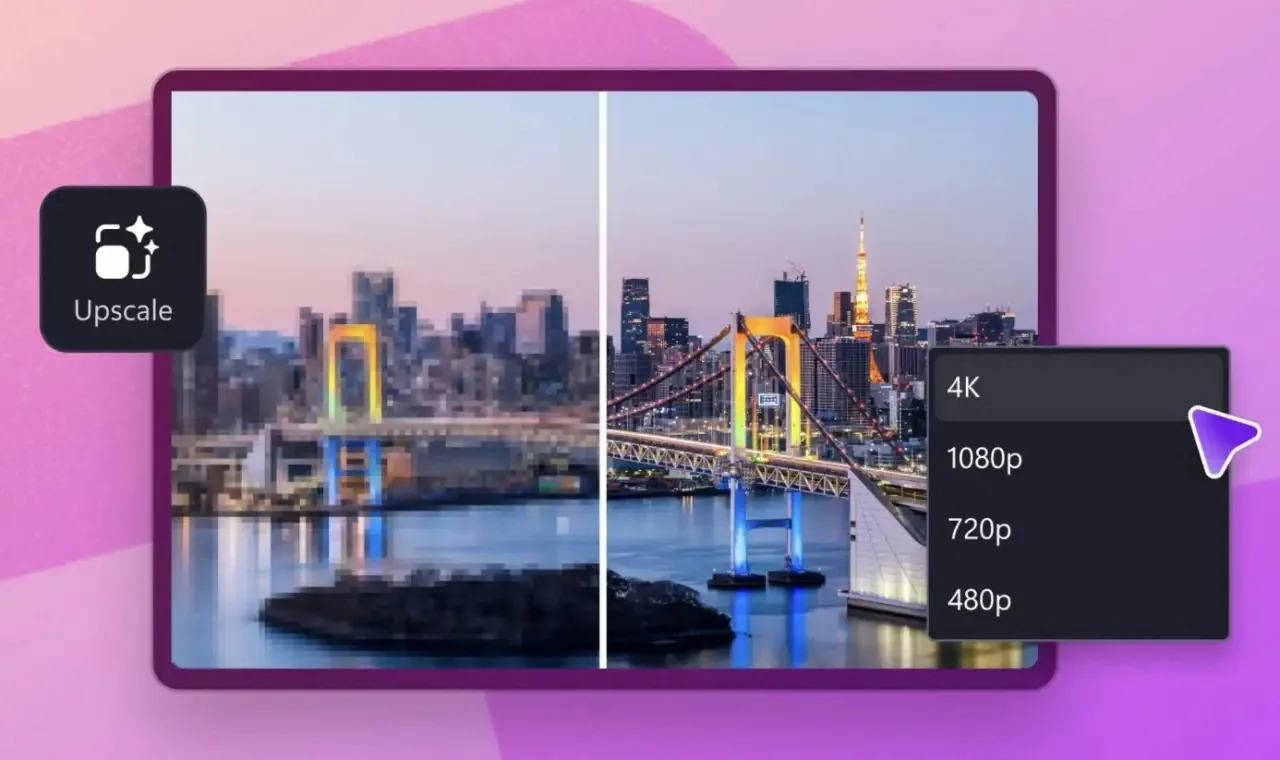
Microsoft has launched the new “Video Super Resolution” feature for Clipchamp, the free video editor pre-installed on Windows 11. This AI-powered upscaling functionality runs entirely on the PC’s local hardware, with no cloud dependency, processing the entire workflow on the user’s device. The feature is now available in the Windows desktop application of Clipchamp but is not supported in the browser version.
- Release date: September 23, 2026 (gradual rollout)
- Platform: Windows 11 desktop app only
- Hardware support: Compatibility with AMD, Intel, and Qualcomm devices; Copilot+ PCs can utilize NPU; standard PCs use CPU
- Maximum output: Up to 4K resolution
- Usage restrictions: Not recommended for legal evidence, identity verification, or medical imaging where factual accuracy is critical
Technical Details and Hardware Requirements
Clipchamp’s new “Upscale” tab offers target resolution options of 480p, 720p, 1080p, and 4K, enabling users to enhance videos captured by older smartphones, compressed via messaging apps, or recorded by low-quality webcams. The core technology is an on-device AI model that upsamples pixel data by estimating and generating additional visual details.
A key limitation: the AI cannot recover information that was never recorded in the original video. Instead, it interpolates plausible details, which may result in artifacts or subtle distortions—especially around human faces—a limitation inherent to current AI-based super-resolution techniques.
Microsoft specifies minimum requirements: at least 8GB of RAM is needed; 16GB or higher is recommended for smoother performance. Older CPUs and GPUs may cause slowdowns, stuttering, or crashes. Copilot+ PCs can leverage the NPU for faster processing.
Local vs. Cloud Processing
Unlike cloud-dependent video upscaling services that require uploading footage to remote servers, Clipchamp’s on-device approach offers superior privacy and works offline—without bandwidth or latency constraints. This makes it ideal for privacy-conscious users or those in unstable network environments.
| Processing Method | Data Flow | Privacy Risk | Network Dependency | Processing Speed |
|---|---|---|---|---|
| Clipchamp local upscaling | Entirely on-device | Minimal | None | Depends on local CPU/NPU |
| Cloud-based upscaling | Upload to remote server | Moderate to high | High | Depends on bandwidth and server queue |
User Recommendations
- Ready to try now: Home users restoring old family videos, content creators needing quick preview files, privacy-focused users avoiding cloud uploads
- Wait first: Professional/forensic users (legal/medical fields), devices with less than 8GB RAM, older PCs without modern CPUs or NPUs (processing may take hours)
In Conclusion
Clipchamp’s on-device AI upscaling represents Microsoft’s broader push to harness edge computing for everyday productivity. While the technology remains subject to the physical limits of interpolation-based AI, its value lies in democratizing advanced video enhancement—offering professional-grade looks at zero cost to mainstream users.