
AI Assistants日正式进入专业剪辑工作流
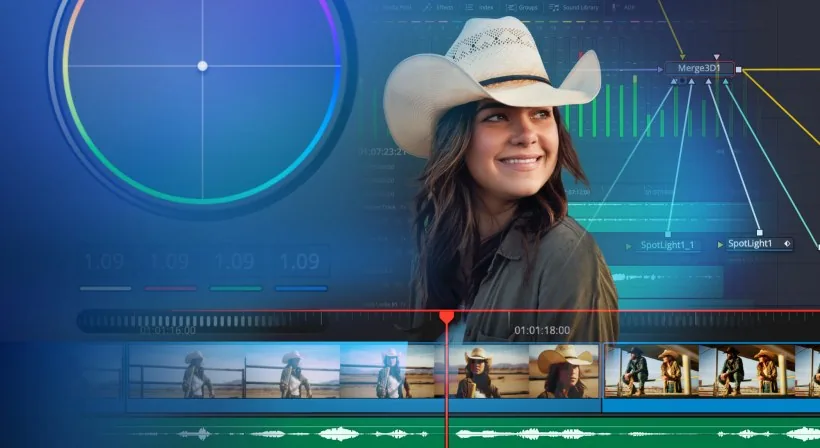
Blackmagic Design released DaVinci Resolve 21.1 on September 8, 2026. The core upgrade is the integration of multiple AI assistants, including Claude, Claude Code, and ChatGPT Codex, enabling natural-language control over editing tasks. This marks a pivotal transition from manual-only tools to human-AI collaborative workflows in pro video post-production.
Key rollout facts:
- Release date: September 8, 2026
- New version: DaVinci Resolve 21.1
- Pricing: Maintains existing model—AI features included at no extra cost
- Availability: Rolling update to current license holders
- Access: Instant for all supported licenses—no waitlist or beta access required
The AI integration represents DaVinci Resolve’s strategic pivot from a pure edit station to a contextual collaboration platform.
AI capabilities span the full editing pipeline
Users can now issue voice or text commands to perform multiple professional operations:
- Automatically analyze project structure and identify pacing/reveal moments
- Smart media library organization by semantic content tags
- Technical parameter adjustments (color, framing) with context-aware suggestions
- Batch rendering with multi-format output queue creation
Notably, users may request the AI to “extract highlight clips” from hours of footage or “remove unwanted segments.” In practice, this means a multi-hour shoot can be distilled into publish-ready content within minutes, dramatically compressing turnaround time. Colorists and directors benefit from voice-based roto/tracking adjustments—no mouse navigation required.
Camera compatibility expanded for still-to-motion workflows
Beyond AI, version 21.1 extends native photo editing support:
- Fujifilm GFX and X series medium format cameras
- Leica SL full-frame system cameras
- Sony α7R VI high-resolution models
Photographers importing RAW files no longer require third-party conversion software. The built-in decoder delivers native support within the same platform used for video editing, enabling seamless soPC-to-video transitions.
Additional improvements include refined multi-cam workflow synchronization and a new graphics tab supporting animated titles and lower-third templates.
Version comparison (based on disclosed information)
| Feature | DaVinci Resolve 21.0 | DaVinci Resolve 21.1 |
|---|---|---|
| AI assistant integration | Not available | Claude / Claude Code / ChatGPT Codex |
| PHOTO page camera support | Older models | Added Fujifilm X/GFX, Leica SL, Sony α7R VI |
| Multi-cam workflow | Basic sync | Improved sync precision and timeline handling |
| Graphics tools | Standard templates | New animated graphics support |
Practical guidance: who should upgrade now
Immediate upgrade recommendation: -自媒体 creators handling long-form video content -Event videographers needing rapid turnaround for live-to-digital delivery -Production teams using multi-cam setups where timing synchronization matters
Delay upgrade if: -You typically edit very short clips (average duration under 5 minutes); AI benefits are marginal here -Your workstation lacks sufficient RAM/CPU headroom; AI processing may increase latency
Budget-conscious note: Standard edition includes full AI functionality; no additional fee for Studio edition upgrades.
A final thought
====================================
As pro post-production tools begin interpreting user intent rather than executing explicit commands, AI transforms from a visual-effects aide into an extension of creative cognition. DaVinci Resolve’s update makes natural language the interface—signaling an industry-wide shift toward intent-driven editing platforms. The next generation of versions may not feature more buttons, but fewer UI elements with deeper contextual awareness.