Opening
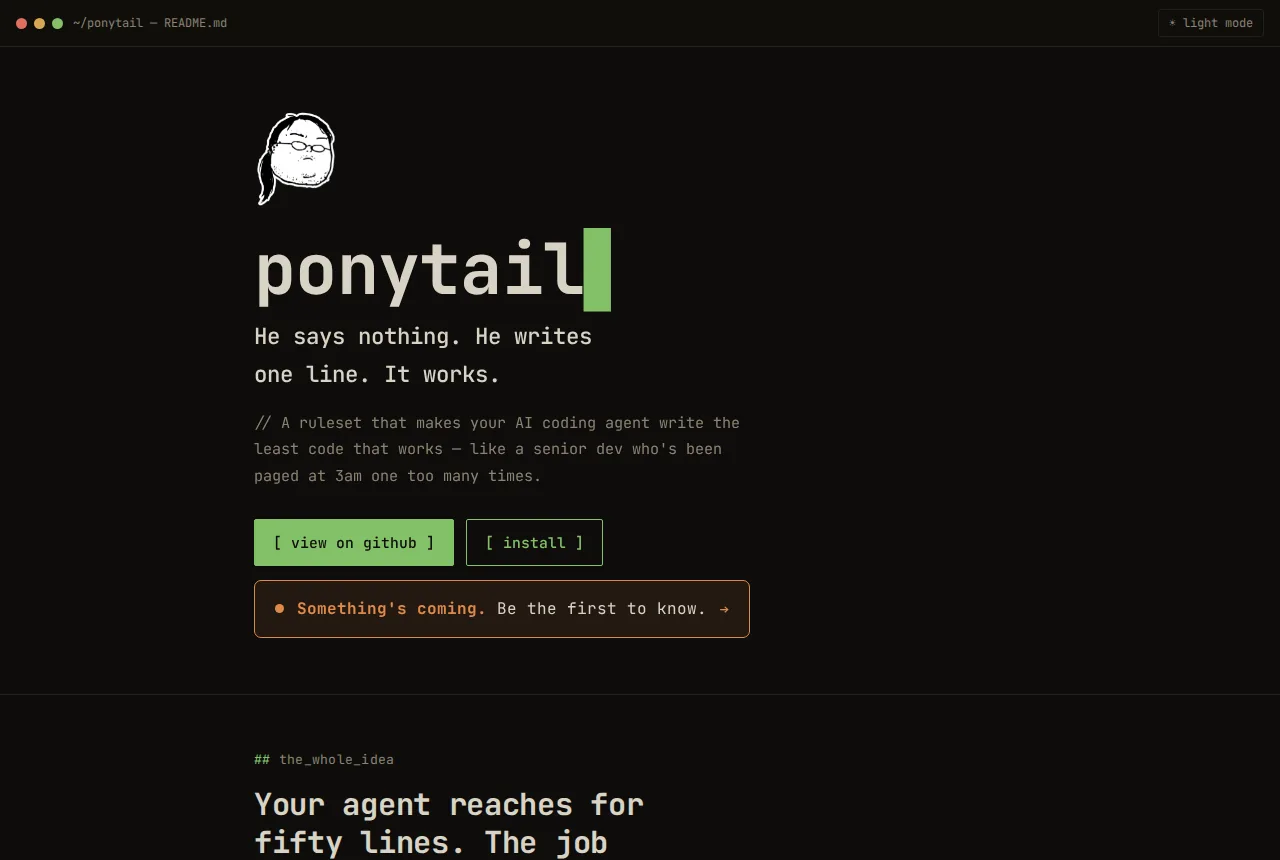
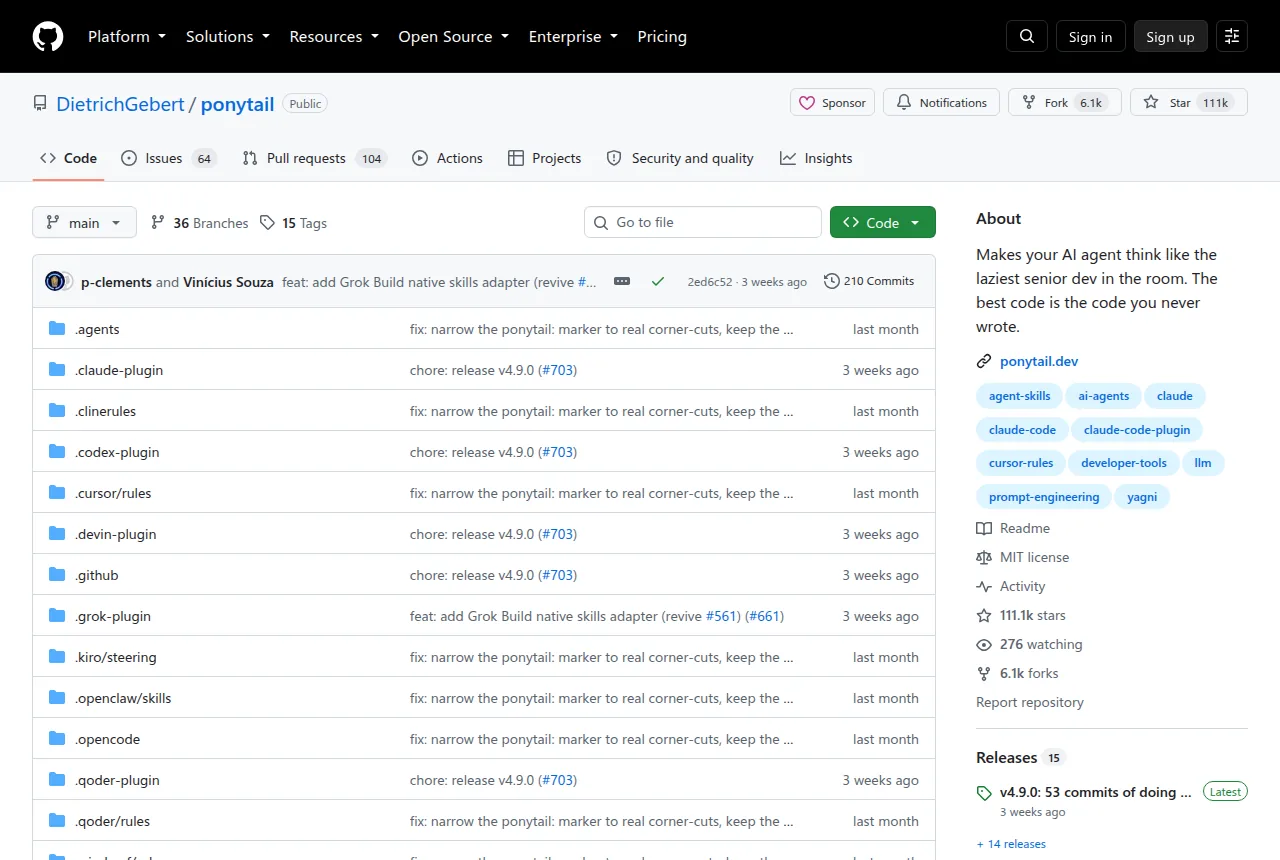
A repository called Ponytail has quietly climbed to the top of GitHub’s trending list. Written in JavaScript, it doesn’t talk about tech stacks, frameworks, or low-level principles—it’s about code philosophy. This project, with over 110,000 stars, attempts to answer a question long forgotten: when AI agents write code for us, how much code do we actually need?
In an era overflowing with AI coding tools and ever-growing lines of code, Ponytail takes the opposite approach. It doesn’t teach you to write more—it teaches you to write less.
Core Feature: The Seven-Layer Ladder of a Slash Senior
Ponytail isn’t a code generator—it’s a code filter. Its author, Dietrich Gebert, designed it around a seven-layer decision tree:
- Does this feature truly need to exist? — If not, skip it (YAGNI principle)
- Is it already in the codebase? — Reuse, don’t reinvent
- Can the standard library handle it? — Use it directly
- Can native platform features do the job? — Prefer native over third-party
- Can an already-installed dependency solve it? — Leverage existing tooling
- Can it be done in a single line? — Write one line, not ten
- Only then consider: the minimum amount of working code
This logic runs silently before AI generates any code, like a seasoned senior developer perched on your AI agent’s shoulder, gently whispering: “Wait—do you really need to write this?”
A Concrete Example
When an AI agent is tasked with “add a date picker,” the difference is striking:
- Without Ponytail: install the flatpickr library, write a wrapper component, import stylesheets, discuss timezone handling… dozens of lines of code
- With Ponytail:
1<input type="date">
That’s it—one line. The browser supports it natively; why install another library?
Another classic case is a color picker. The traditional approach might produce 287 lines. With Ponytail thinking, that drops to 23. There’s no gimmick here—just a return to the simple fact that browsers already provide <input type="color">.
Getting Started
Ponytail plugs into AI coding tools as a lightweight extension:
Claude Code users:
1
2
/plugin marketplace add DietrichGebert/ponytail /plugin install ponytail@ponytailCodex users:
1
2
codex plugin marketplace add DietrichGebert/ponytail codex plugin add ponytail@ponytailCopilot CLI users:
1
2
copilot plugin marketplace add DietrichGebert/ponytail copilot plugin install ponytail@ponytailPi/OpenCode users: Run the corresponding installation command.
Once installed, the plugin automatically runs the seven-layer check before every AI code generation—no extra configuration needed. You can also manually trigger Ponytail’s specific modes:
| |
Technical Highlights: Not .less code, but .wiser code
What makes Ponytail truly interesting is that its “laziness” is boundaried. The author repeatedly emphasizes: “Lazy, not negligent.”
This means:
- Security boundaries are never compromised: input validation, error handling, security hardening, and accessibility are always in place
- Observant, not reckless: before deciding to skip a piece of code, it reads the project structure, traces the code flow, and understands the real requirement
- It doesn’t chase shortest-code: the goal isn’t code golf—it’s just right code volume
Benchmarks show Ponytail reduces actual code volume by approximately 54% (ranging from as low as 94% depending on the task), cuts token consumption by 22%, lowers cost by 20%, and shortens runtime by 27%. More importantly, code quality scores remain at 100%—measured across 12 real-world feature development tasks using live OpenAI Claude Code sessions.
Some have questioned: “Is the code reduction just because the model is being laconic?” The Project Caven comparative experiment ruled this out. Conventional “concise-style” prompts also reduce code by 33%, but security scores drop to 95%. Ponytail, however, maintains 100% security with fewer lines.

Who It’s For & How It Compares
Ponytail is ideal for:
- Heavy AI-coding users: frequent users of Claude Code, Copilot CLI, and similar tools
- Teams that value code quality: projects that want to control code volume and reduce maintenance costs
- Tech leads wary of over-engineering: developers who resent “framework-for-framework’s-sake” culture
Less suitable for:
- Projects requiring highly customized UI components (when native components fall short)
- Legacy systems dependent on specific third-party library ecosystems
- Beginners (understanding code principles matters more than minimizing line count)
Comparison with similar tools:
- Caveman: Advocates a terse-prose style but achieves only 20% code reduction, with tokens and costs slightly increasing
- YAGNI + one-liner prompts: Cuts 33% code but sacrifices security
- Ponytail: The only approach that optimizes across all dimensions simultaneously, with zero compromise on security
Closing Thoughts
Ponytail’s real lesson isn’t about how much less to write—it’s about what not to write. It magnifies a simple, almost obvious truth under a microscope: we write far too much code simply because we can, not because we need to.
As AI makes writing code easier by the day, Ponytail reminds us that a true expert doesn’t write faster—they just get better at making code disappear.
Project homepage: https://ponytail.dev Code repository: github.com/DietrichGebert/ponytail