
Quick Update
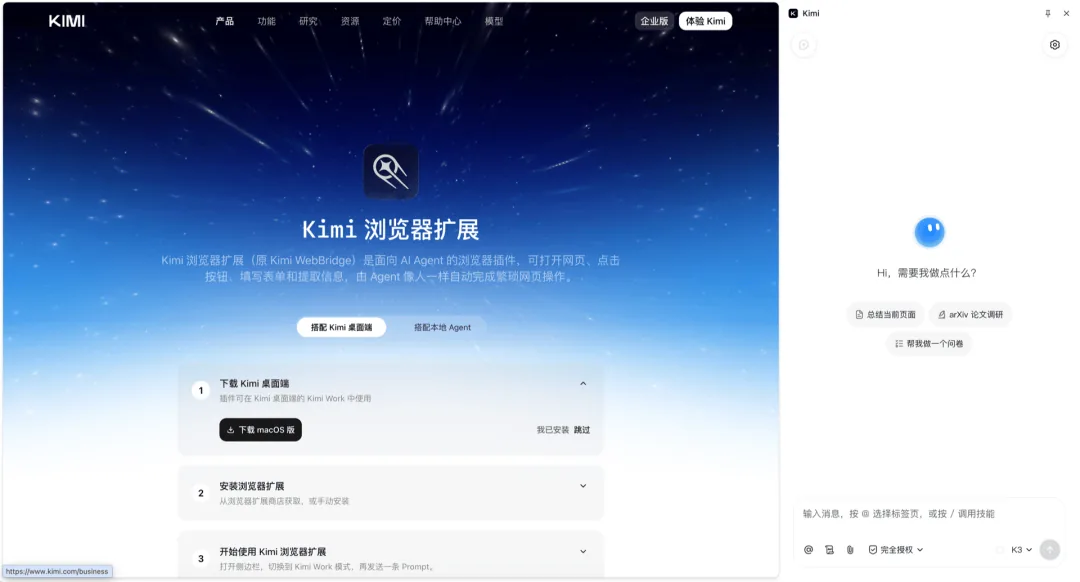
Kimi Browser Extension was recently launched, an evolution of the Kimi WebBridge project released four months prior. The product is currently available for free on Chrome and Edge browsers (download via reference link [2]). This upgrade retains the core web control functionality of WebBridge while introducing a sidebar dialog interface and web action recording—optimizing efficiency specifically for repetitive web-based tasks.
Key upgrades include:
- New sidebar chat entry point: log in with Kimi account to operate the current page directly
- Action recording capability to save user browser operations as Skills for reuse
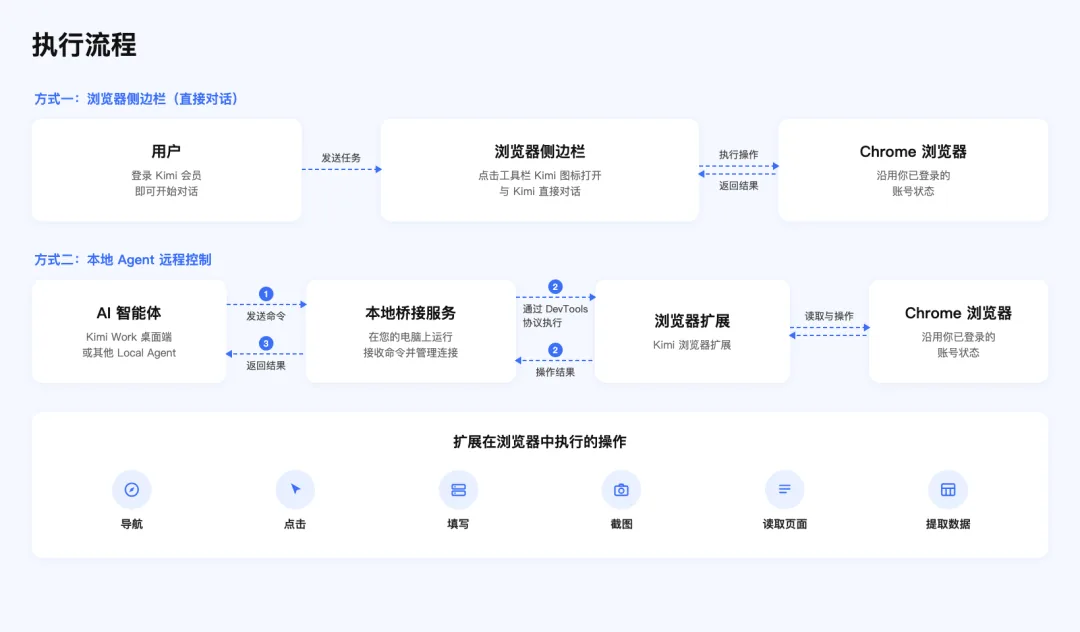
- Legacy local-Agent-to-extension call path retained
- Skill bundling: successful task sessions can be saved as reusable Skills
Product Evolution & Operational Details
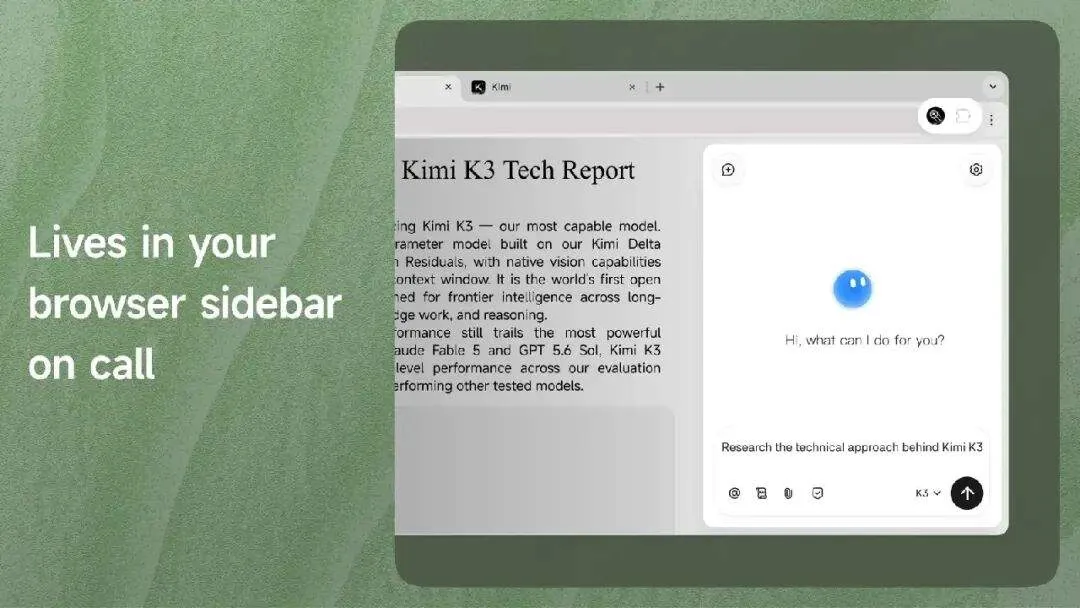
This upgrade is essentially a refactoring of the existing architecture. Since its release, WebBridge enabled local Agent to control real browsers for page navigation, content extraction, and click-based tasks. The new version does not alter this underlying mechanism but reshapes frontend interaction and task automation flows.
The pivotal refinement: previously, Agent-driven browser automation required multiple iterative tuning rounds to achieve stable execution; the new version eliminates this overhead by allowing one-time action recording and Skill bundling, dramatically reducing the reproduction cost of repetitive operations.
A representative workflow: users visit the same site daily to locate that day’s news and export data. After a single recording session, the entire process is saved as a reusable Skill, eliminating redundant instruction input and debugging cycles.
Complementarity with Kimi Code Desktop:
- Code Desktop serves as an internal development workspace, embedding a browser alongside project evolution
- Browser Extension targets external user-facing applications (news sites, email systems, etc.) Together they form a unified Agent framework spanning from code iteration to real-world web operation.
Feature Comparison & Limitations
Comparison between WebBridge v1 and Kimi Browser Extension v2
| Capability | WebBridge v1 | Kimi Browser Extension v2 |
|---|---|---|
| Browser control | Supported | Supported (retained) |
| Sidebar interaction | Not supported | New |
| Action recording as Skill | Not supported | New |
| Session-based task archiving | None | Supported |
| Multi-extension support | Chrome/Edge | Chrome/Edge (continuation) |
The official documentation warns of realistic constraints: web redesigns or heavy dynamic loading may cause actions to halt mid-process. Users encountering failures on complex pages should first capture a screenshot for status verification before revising instructions.
User Recommendations
- Early adopters: Users whose daily workflow involves repeated similar web operations (e.g., data scraping, report extraction, multi-site price comparison)
- Recommended to wait: Users relying heavily on high-dynamic or frequently redesign-stable websites; current stability and fault tolerance await broader real-world validation
Closing Note
Browser plugins have undergone three evolutionary phases—from ‘reading augmentation’ to ‘human assistance aid’ to ‘Agent screen control’. Kimi’s move signals a strategic pivot: AI agents are shifting from code generation toward deeper penetration of real-world digital operation interfaces—when an Agent’s hand can simultaneously reach into your local dev browser and your daily-use external browser, it truly begins mediating the workflow layer of digital life.