
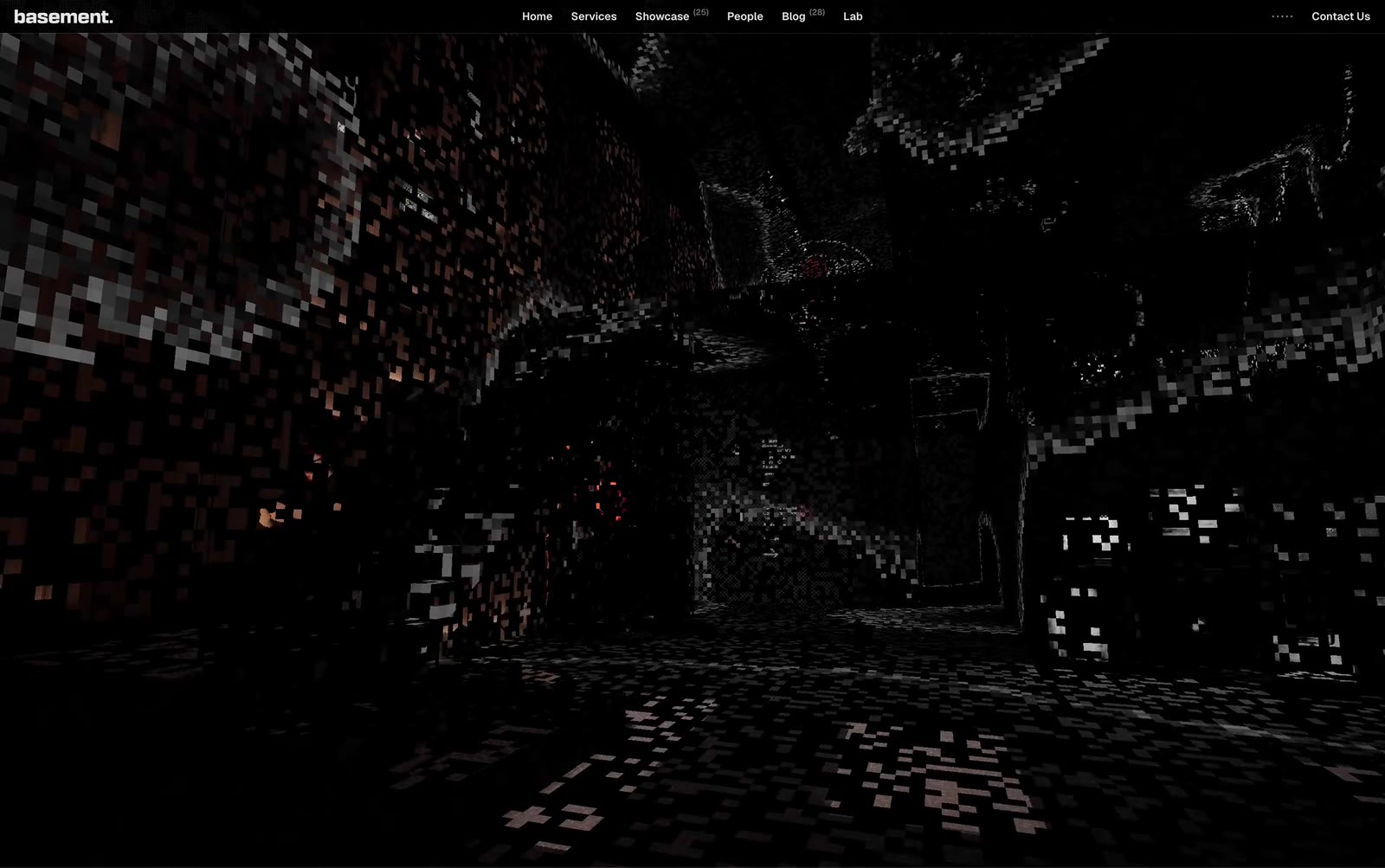
Open basement.studio’s homepage and your first reaction won’t be “this is a website”—it’ll be “I just entered a game.”
Inside a dark low-poly space, pixel particles drift slowly while walls emerge as white wireframe outlines. This is a “basement” brought into the browser. No hero banner, no scrolling marketing copy—you’re dropped directly into a 3D space, dragging the mouse to explore every corner of the studio.
What Makes This Site “Off-Brand” (in a Good Way)
Traditional corporate websites are essentially information displays: the hero section explains what you do, the middle lists case studies, and the footer holds contact info. basement.studio flips the script entirely—it’s a brand experience installation.
What you can do inside isn’t “read,” it’s explore: drag the mouse to rotate the viewpoint, weave through wireframe stairwells, watch particles drift lazily through darkness. The nav bar is stripped down to six items—Home / Services / Showcase / People / Blog / Lab—with the logo quietly tucked into a minimalist basement. in the corner.
The subtext here is clear: we design experiences, and this site is our best work. No need to tell you we’re creative—you’ll prove it to yourself by circling through this 3D space.
How It’s Built
The core of basement.studio’s site is WebGL, rendering 3D scenes directly through the browser’s GPU acceleration with zero plugins required.
Key technical decisions:
- Wireframe rendering: 3D models render only their edge lines without filled surfaces, reducing performance overhead while creating a distinctive “blueprint” aesthetic—part architectural drawing, part 纪念碑谷 visual language
- Particle system: The drifting dots floating through space are a classic particle setup, using GPU parallel computation to animate thousands of particles and create a digital “atmosphere”
- First-person camera: The Pointer Lock API captures mouse movement, mapping displacement to camera rotation so users feel like they’re actually walking through the space
This stack typically relies on Three.js (a JavaScript WebGL wrapper) paired with custom shaders for the wireframe material and particle effects.
The Brand Logic Holds Together
basement.studio is a studio specializing in brand experience and digital product design, working with clients like Vercel and KidSuper. Their site design is tightly self-consistent:
We sell “digital experience design”—so our own site has to be the most extreme digital experience we can make.
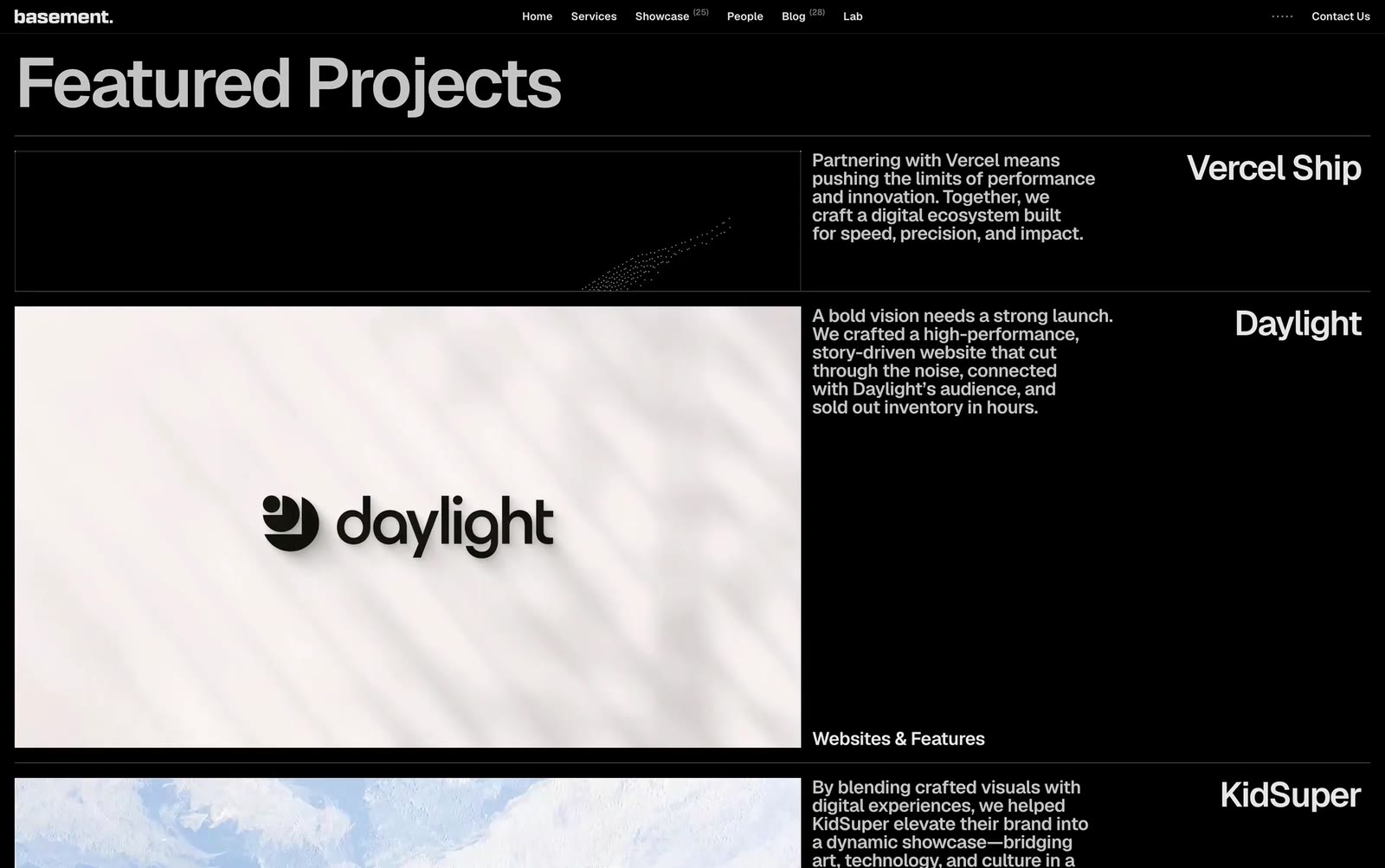
Scrolling down from the homepage, you hit the Featured Projects section—Vercel Ship, Daylight, KidSuper—each paired with a stark black-and-white thumbnail and a one-line description. The rhythm between “3D immersion” and “minimal list” is intentional: the visual hook grabs you first, then the restrained information density lets you quickly grasp what they do.
What We Can Learn From This
For anyone building websites, basement.studio offers three takeaways:
1. Your homepage can be the product itself. If you work in experience-driven fields (design, development, marketing), your site shouldn’t just introduce you—it should demonstrate your capability in real time.
2. Tech serves the brand narrative. WebGL, particle systems, 3D spaces—none of this is flexing. It all communicates one idea: we’re builders of digital worlds. Technology choices must align with your story.
3. Less is more. The entire site probably adds up to under 500 words of text, yet information delivery is razor-sharp. In an era of information overload, restraint is a rare commodity.
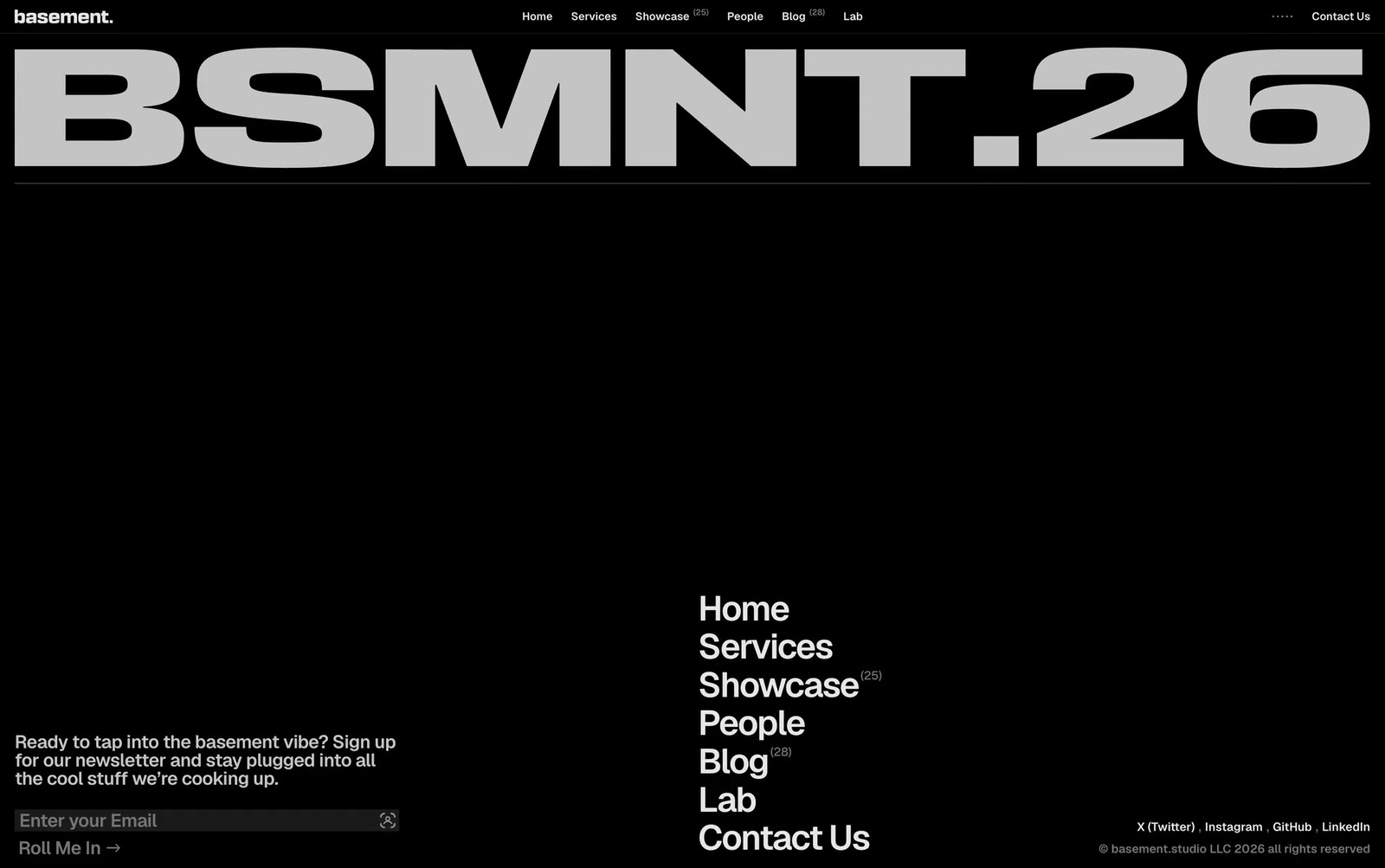
Even the footer stays restrained: a single email subscription field (“Roll Me In →”), a compact sitemap, a row of social icons. No long company bio, no contact info piled on—fully consistent with the site’s tone.
basement.studio proves one thing: a great site doesn’t need to look expensive—it needs to be memorable. After browsing hundreds of studio portfolios, the one that sticks isn’t the flashiest; it’s the one that made you spend an extra minute dragging the mouse through a 3D space.
Prompt to Recreate This Style: Let AI Build It for You
Want to bring this 3D space vibe to your own project? Feed this prompt to Claude / v0 / Cursor and get a working prototype:
| |
Key to nailing it: The wireframe + particles combo is cheap to produce (no modeling required) but delivers visual impact on par with an AAA game intro. Where the real time goes is nailing camera damping and that frosted-glass UI layer—those two details separate “cheap demo” from “portfolio piece.”
This post is based on frame-by-frame analysis of the basement.studio homepage walkthrough, part of Lingxu Tech’s “Site Showcase” series. We specialize in website development, turning creative visions into high-performance modern sites.