The Heart of Order|Lynx|Deep Dive into GitHub Skills: The Antidote to Engineer’s Fixed Thinking
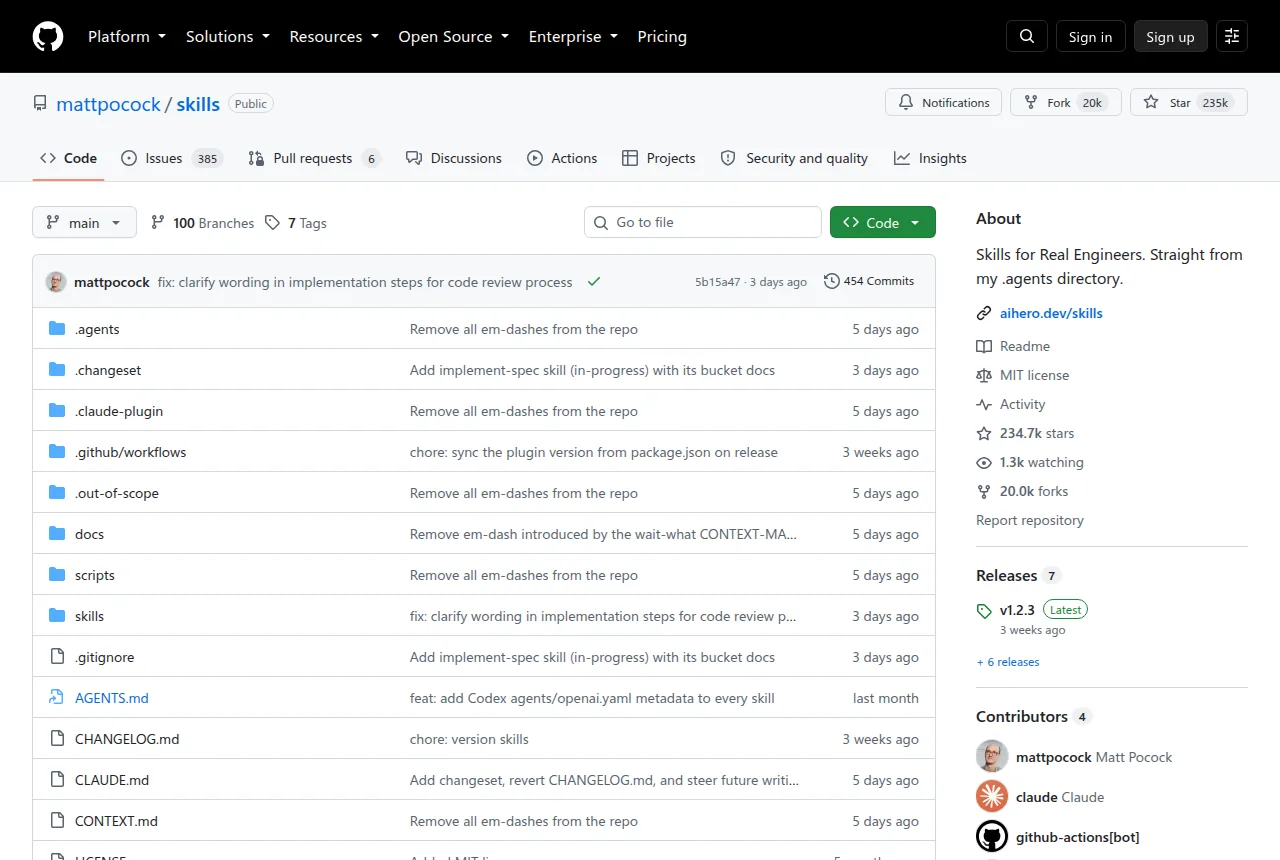
A project hit the GitHub trending list today that’s hard to ignore—mattpocock/skills, racking up over 20,000 stars in just a few days. This isn’t another code generation tool; it’s a systematic solution to “why does AI programming always go off the rails.” Leveraging years of hands-on experience, author Matt Pocock transforms four common pain points in AI collaboration into reusable conversation templates. Engineers who don’t want to be led by AI—and are tired of struggling to articulate their own requirements—finally have a tangible抓手.
Four Symptoms, Four Cures
Matt dissects the most common failure modes in AI programming, pairing each with a dedicated skill template:
Symptom 1: You didn’t explain clearly, so AI is lost. Engineers often fall into the illusion of “it just gets it,” while the actual deliverable ends up worlds apart from what they intended. The fix is
/grill-with-docs, which refines vague requirements into concrete documentation through iterative follow-up questions.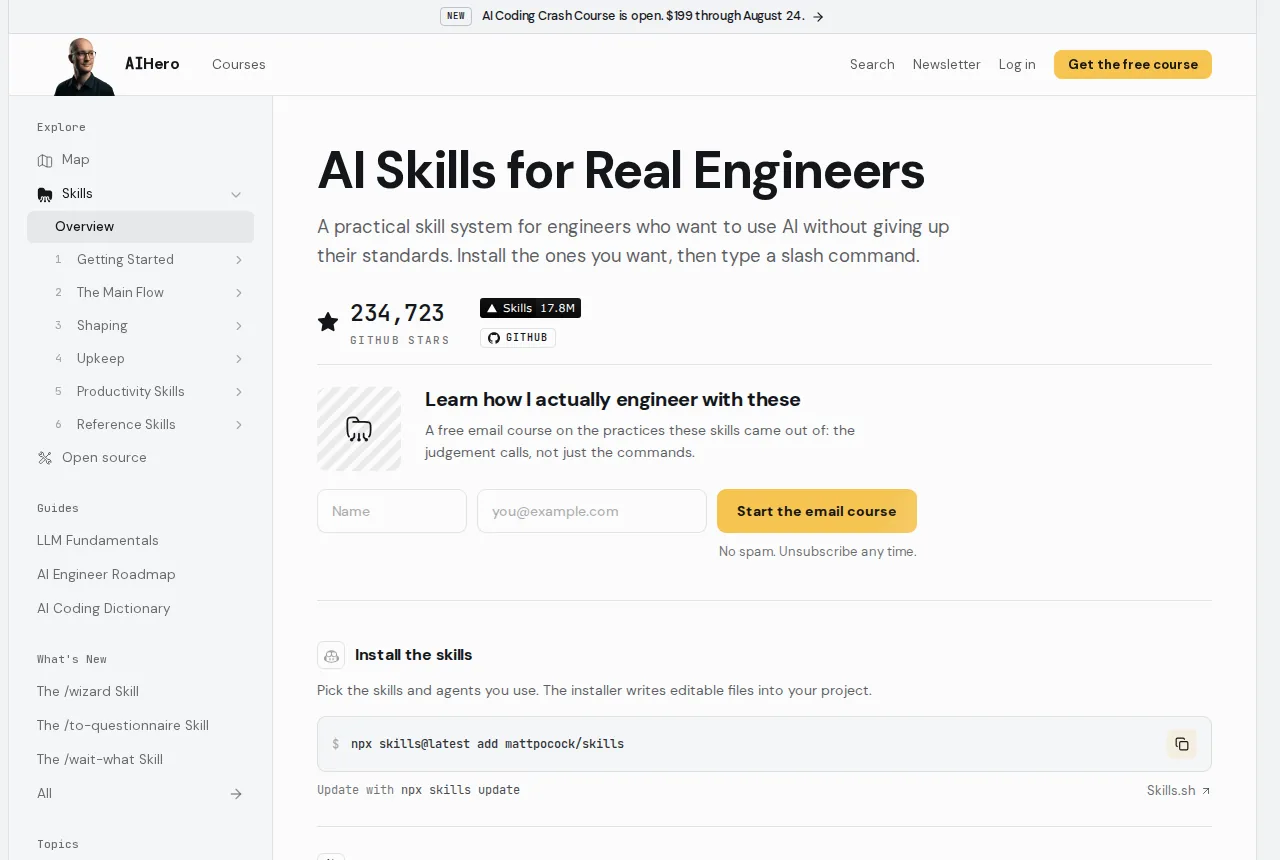
Symptom 2: AI talks in circles, missing the point. When facing an unfamiliar project, AI tends to use twenty words to explain what could be said in one. Matt introduces the concept of a “shared language,” building an internal terminology system through ADR (Architecture Decision Record) documents.
Symptom 3: The code looks right but doesn’t work. AI frequently generates syntactically correct but functionally dead code. The
/tddskill forces a red-green-refactor cycle: write a failing test first, then have AI fix it. This “seek failure before seeking success” approach actually yields more stable feedback.Symptom 4: The project gets messier with every addition. While AI accelerates coding, it also accelerates code entropy.
/improve-codebase-architectureproactively scans the codebase, identifying nodes where the design can be deepened, and embeds architectural awareness directly into the development workflow.
Up and Running in 30 Seconds: Three Steps
The installation is extremely lightweight—pick either of two mainstream paths:
- Claude Code users: Run
claude plugins install mattpocock-skillsto install directly from the plugin marketplace, with auto-synced updates going forward - Other agents or local environments: Run
npx skills@latest add mattpocock/skills, and the skills will drop into your project directory as regular files
After installation, run /setup-matt-pocock-skills in your agent, follow the prompts to select your issue tracking system (GitHub / Linear / local files), define your label system, and confirm where documents are stored. That’s it—then each skill can be invoked as a standalone command.
Core command reference:
| |
These skills are model-agnostic—you can plug them into Claude, GPT, or anything else. They’re fundamentally carefully designed prompts (interactive workflows) that clearly lay out the scenario, constraints, and success criteria.
Design Philosophy: Disciplined Restraint
The real brilliance of Skills lies in injecting sophisticated engineering thinking through an extremely minimal interface. Matt didn’t try to build a black-box automation tool; he deliberately preserved human decision-making authority:
- Editable: After local installation, all skill files are just ordinary files in your repo—modify, extend, or merge them freely, without being hijacked by silent updates
- Composable: Each skill module is finely broken down, like building blocks you can combine on demand. For example, run
/grill-with-docsto clarify requirements first, then chain in/tddfor test-driven development - Portable: No lock-in to any specific framework or language. Implemented in Shell for cross-platform compatibility—fully functional from legacy Rails projects to cutting-edge frontend setups
Notably, Skills makes “human confirmation” a hard gate in the workflow. The /tdd skill, for instance, won’t generate code directly—it first asks you to review whether the test cases are well-designed. /diagnosing-bugs requires you to confirm the reproduction path before diving into root cause analysis. This design sidesteps the “over-automation” risk prevalent in many current AI programming tools: AI can assist thinking, but the trigger for decisions must remain in human hands.
Who It’s For
- Engineers who’ve tried AI programming but often feel “it didn’t really help”
- Teams working with junior members, as a unified collaboration protocol
- Projects entering maintenance phases where you want to prevent further architectural degradation
- Pragmatists who distrust fully automated tools and value control
Comparison with similar tools:
- Unlike full-cycle frameworks like GSD/BMAD: Skills doesn’t attempt to take over the development workflow. It provides thinking scaffolding at key junctures only—you retain full control over every code decision
- Unlike plain prompt libraries: What it produces is an interactive dialogue pattern, not a static template.
/grill-with-docsdynamically probes follow-up questions;/tddadjusts its guidance strategy based on test failure states - Unlike code generation plugins: It doesn’t emphasize generation speed. Instead, it deliberately constrains the scope of each change, aligning with the engineering principle of “small steps, fast iteration”
What makes Skills most interesting is that it makes the hidden costs of AI collaboration explicit—communication overhead, misunderstanding costs, rework costs. If you’ve ever looked at AI-generated code and苦笑’d “this isn’t what I asked for,” then the mindset这套 skillset provides is far more valuable than any specific code snippet.
Tools will iterate, but once a way of thinking is internalized, it keeps generating value for you throughout the AI era.