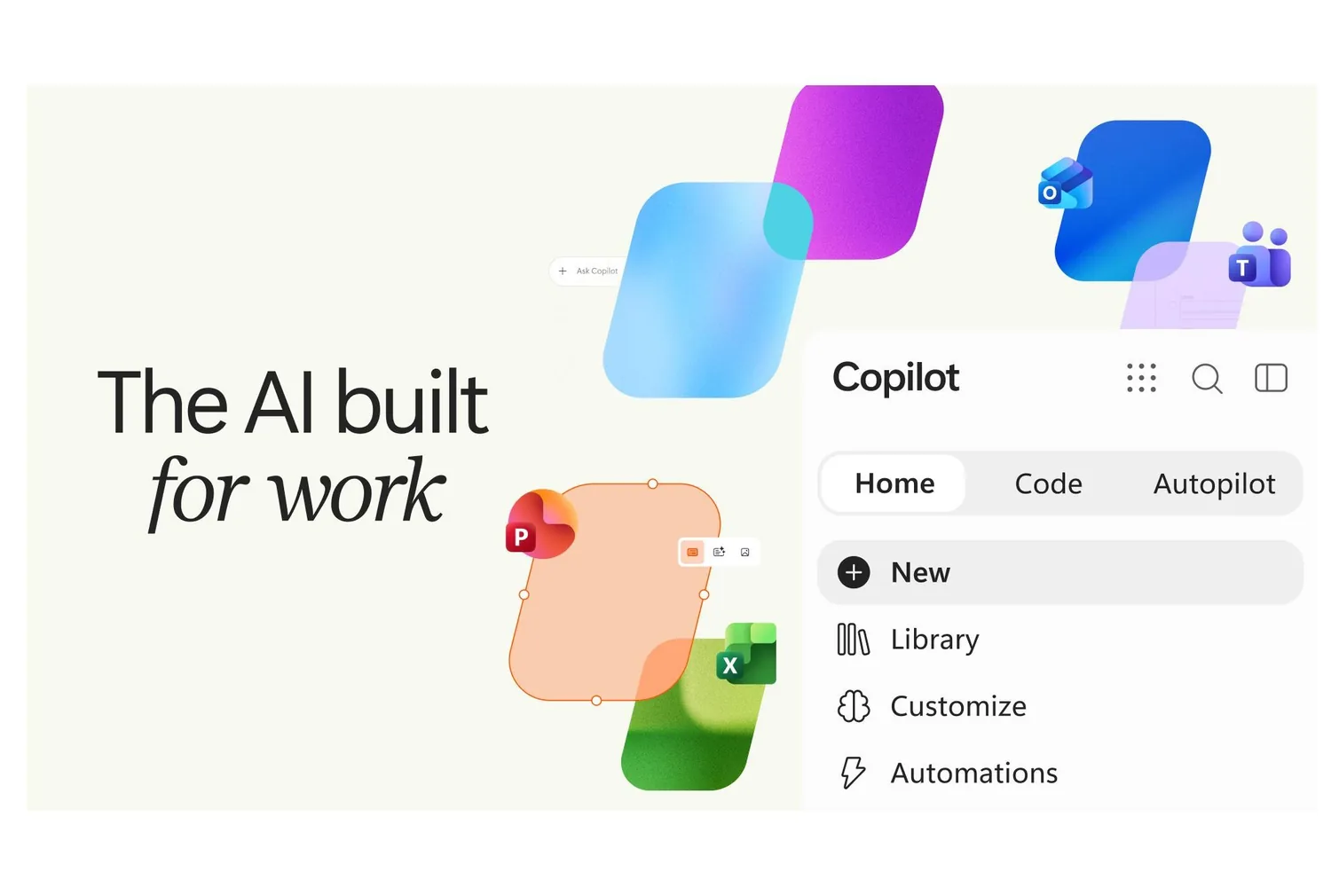
Microsoft officially unveiled its new Copilot ‘super app’ today, bundling three core AI capabilities—chat, coding, and autonomous agents—into a unified three-tab interface. The three components—Cowork, Code, and Autopilot—will be usage-based billed, while the regular Copilot license remains a per-user subscription covering Chat and integration across Word, Excel, PowerPoint, Outlook, and Teams.
- Launch timeline: Home and Code tabs enter Microsoft’s Frontier Program for early access ‘in the coming weeks’; Autopilot begins private preview in late September;
- Availability: Code is previewed for Microsoft 365 Premium and Pro subscribers later this year;
- Pricing model: Usage-based charges apply to long-running agent tasks and model calls (e.g., Astra, Fable);
- Governance: Enterprise-grade security with tenant isolation, native identity within Microsoft’s identity management framework, and full audit/compliance controls.
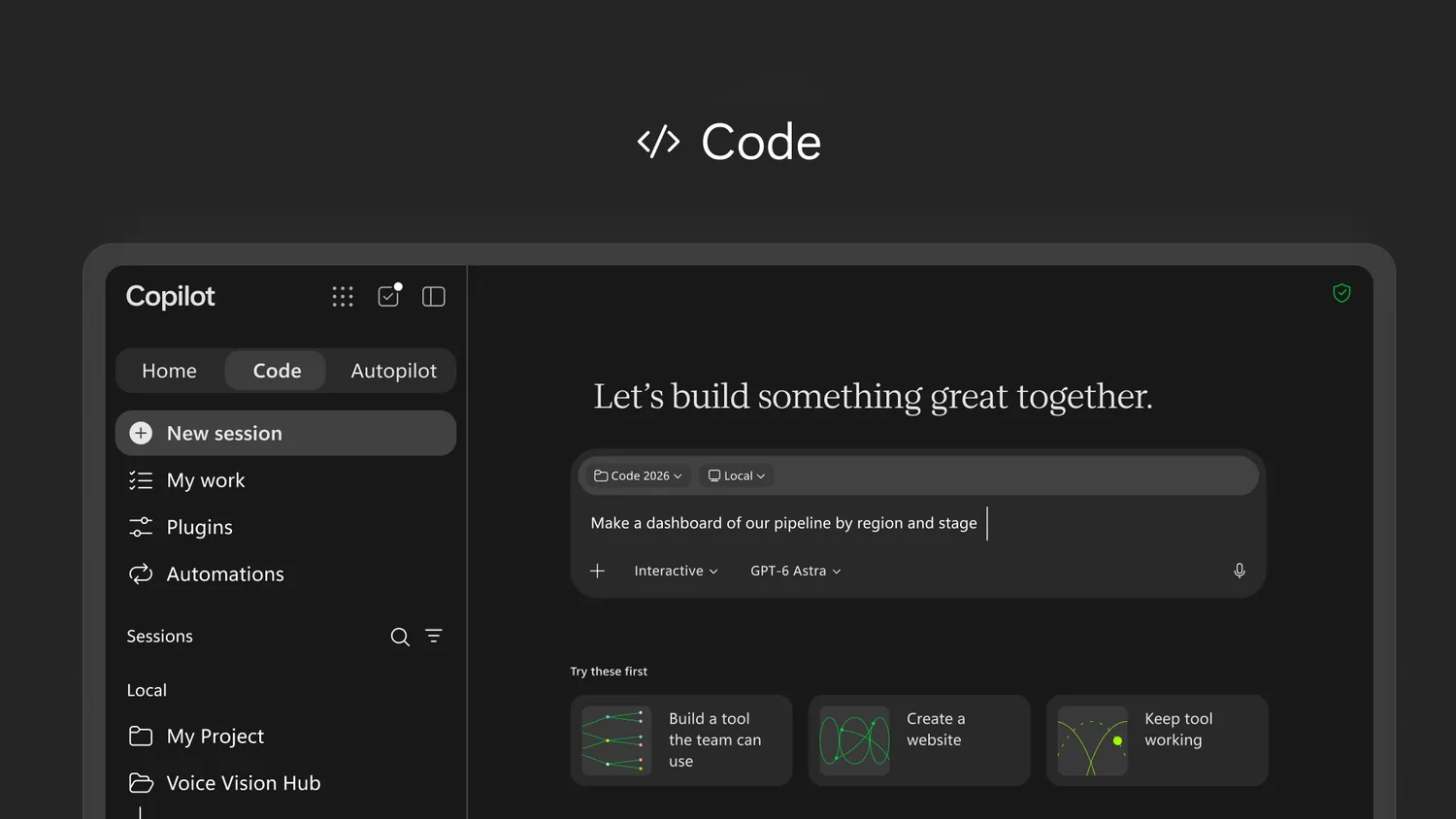
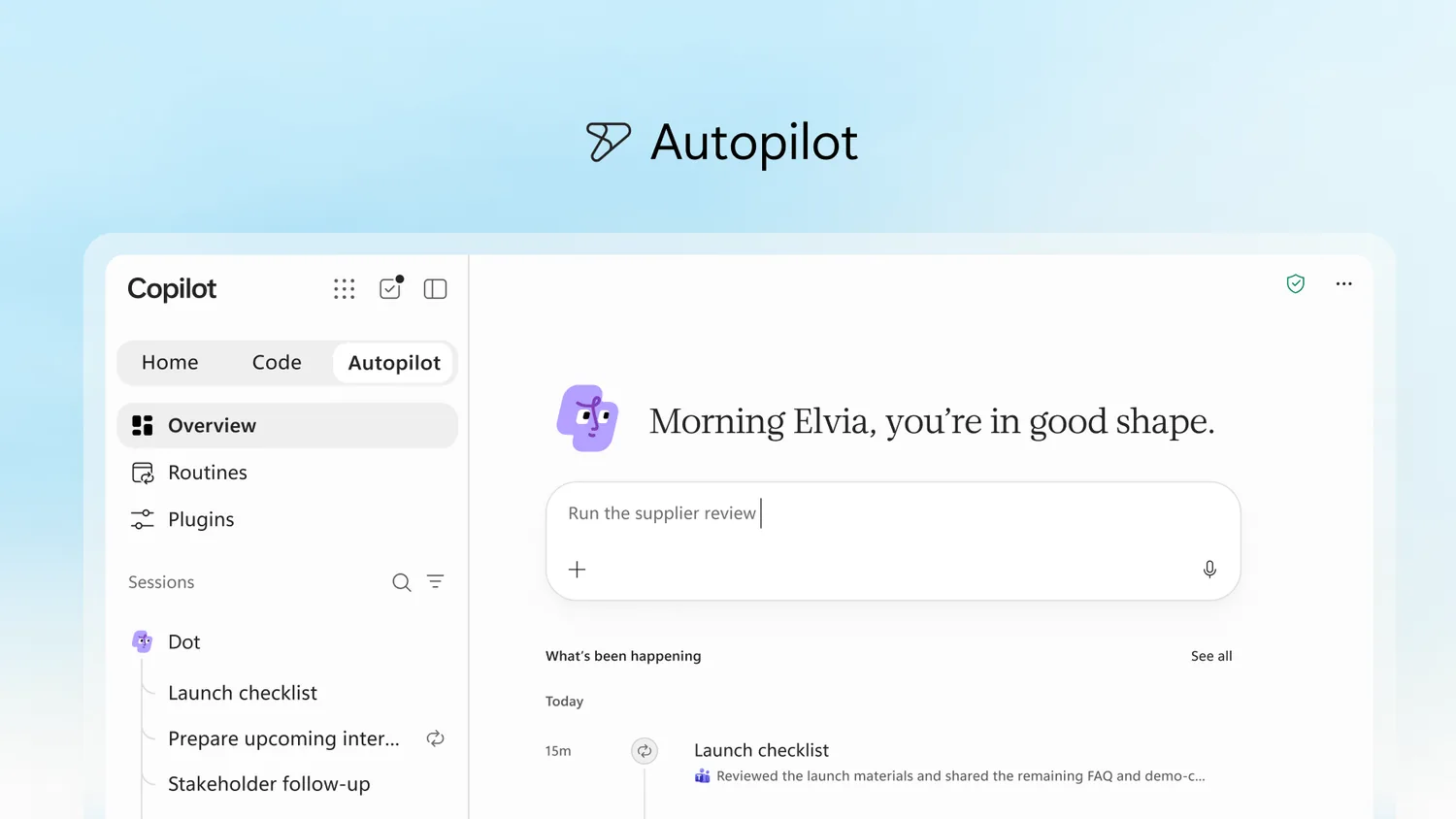
The new interface features three dedicated tabs. The Home tab merges Copilot Chat and Cowork as the default landing experience, with Upcoming ‘Today’ dashboard aggregating emails, meeting requests, Teams threads, and document snippets. The Code tab—in a surprising inclusion for a productivity app—allows users to build apps, trackers, dashboards, and automations, Hosting them securely in the cloud within the tenant sandbox. Autopilot (formerly Scout) acts as a persistent digital teammate: it retains its own cloud compute instance, identity, memory, and workspace, enabling after-hours execution of tasks such as monitoring Teams channels, running recurring reports, or managing follow-ups—all accessible via @mentions in familiar work apps.
A key counterintuitive element is Code’s placement: Microsoft extends low-code development into a consumer-facing super app traditionally targeted at knowledge workers, not developers. The company explicates this via GitHub Copilot’s underlying tech, emphasizing sandboxed execution and tenant-bound hosting— framing it not as a coding tool but as ‘internal app distribution for non-technical staff.’
| Module | Former name / background | Core purpose | Pricing | Expected availability |
|---|---|---|---|---|
| Home tab | Copilot Chat + Cowork integration | Personal dashboard, recent activity, task resumption | Included in main subscription | Frontier Program ‘in coming weeks’ |
| Code tab | Powered by GitHub Copilot tech | Build apps, trackers, automations, share internally | Usage-based | Microsoft 365 Premium/Pro preview (later this year) |
| Autopilot | Previously Scout (Build 2024) | Cloud-based agent, 24/7 task execution, Teams/Outlook integration | Usage-based | Private preview (late September) |
End users on standard Microsoft 365 Copilot licenses can explore Home immediately; however, Code and Autopilot capabilities require waiting for official preview rollouts. Enterprises should adopt FinOps for AI, Microsoft’s new spend-monitoring toolkit, before enabling Autopilot’s persistent agents to avoid runaway model charges.
Practical adoption cases include daily Teams meeting summarization, Outlook email triage, and automated report scraping from Excel/SharePoint. Organizations heavily reliant on external SaaS ecosystems (e.g., Salesforce, ServiceNow) may want to await broader third-party integration evidence before committing to Autopilot’s agent workflows.
Write-up: Microsoft positions Copilot as ‘the new operating system for work,’ explicitly comparing it to Office’s PC-era impact. Yet the AI landscape today is far more fragmented than 1990s productivity software—Google, OpenAI, Anthropic, and Meta all compete head-on. Enterprise adoption will hinge not on bundled Office integrations but on measurable workflow automation ROI and deployment flexibility outside Microsoft’s walled garden.