Lynx of Order|Deep Dive into GitHub: OpenAI Codex|A Programming Agent That Runs Locally
Today, OpenAI’s official repository for the Codex project surpassed 116,000 GitHub stars and landed on the Trending list. This lightweight programming Agent no longer lives exclusively in the cloud—it runs directly in your terminal. It retains OpenAI’s intelligent coding capabilities while handing control back to developers. Notably, this isn’t the rumored “cloud agent”; it’s a genuine local CLI tool, signaling that AI programming tools are transitioning from “plug-and-play” to a new era of “controlled and trustworthy.”
Core Features: A Smart Programming Assistant That Runs Locally
Codex CLI is positioned as a smart programming assistant that runs locally. It doesn’t rely on a browser or complex IDE integrations—it talks to you directly in the terminal, understands context, and generates code. Unlike the cloud version (Codex Web), running locally means:
- Code never passes through third-party servers, making sensitive projects safer
- Works offline with cached capabilities (in certain modes)
- Supports Git integration, automatically reading your current repository’s context
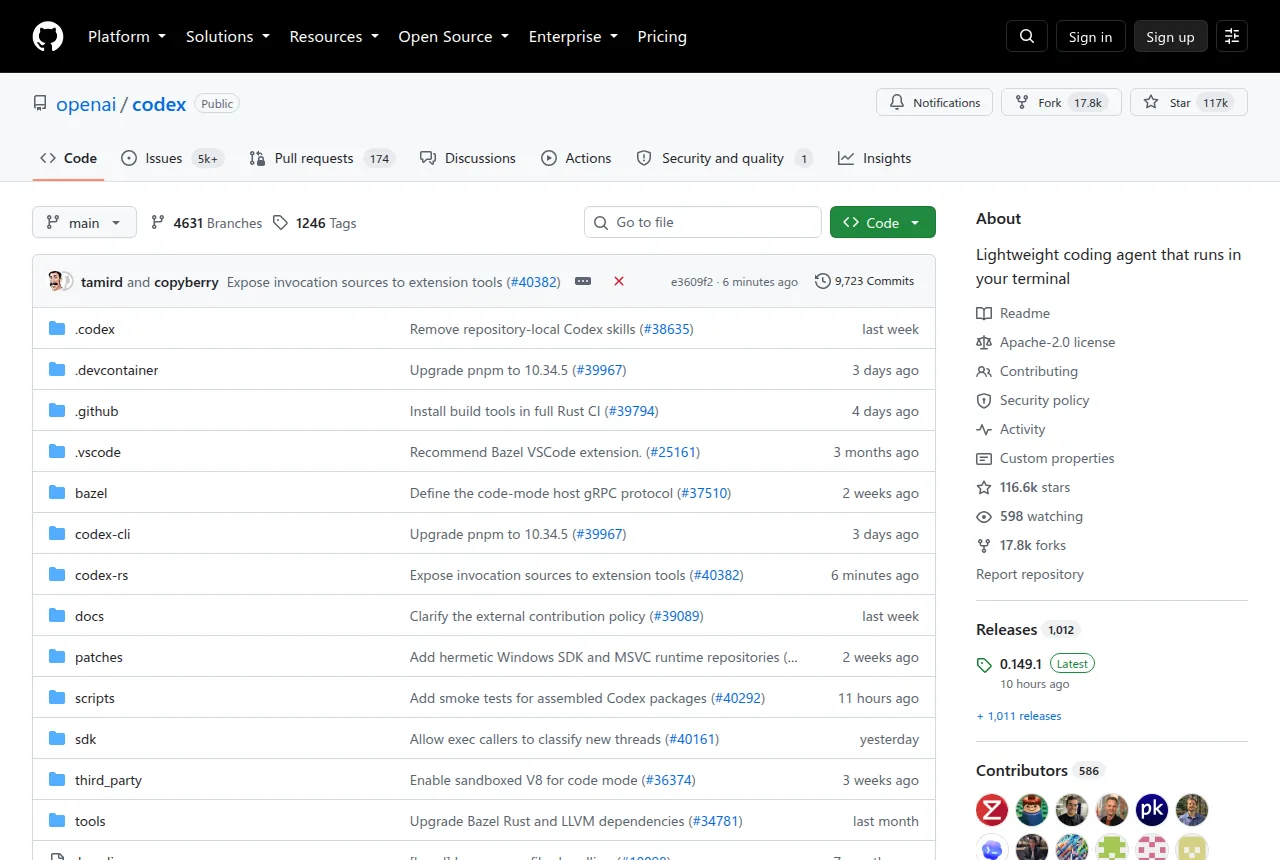
The official documentation clearly outlines three usage paths:
- CLI Version: The focus of this article—run the
codexcommand inside your terminal - IDE Version: Embedded within editors like VS Code, Cursor, and Windsurf
- App Version: Launch the desktop app interface by running
codex app
This layered design lets developers in different scenarios pick what works best for them.
Getting Started: Launch Your First AI Pair Programmer in 30 Seconds
Installation is straightforward:
| |
Or via a package manager:
| |
After installation, simply run codex. On first launch, you’ll be guided to choose:
- Sign in with ChatGPT: Log in with a Plus/Pro/Business/Edu/Enterprise account
- API Key: Advanced users can supply their own key
Then you’re ready to start a conversation:
| |
The Agent automatically analyzes your current workspace, combining Git history and local file context to generate its response.
Technical Highlights and Design Trade-offs
Deep Git Workflow Integration
Codex’s most standout feature is its native understanding of Git. It automatically reads the .git directory, analyzing branch change history, file relationships, and even why certain files have been frequently modified recently. This means:
- No need to manually paste code when asking questions—
codex> Explain the Auth module in this PR - Generated code automatically adapts to your project’s existing style and constraints
Two-Layer Reasoning Architecture
The project adopts a hybrid model of a lightweight frontend plus remote reasoning:
- Frontend: A Rust-written CLI responsible for interaction, file scanning, and context packaging
- Backend: An OpenAI cloud model (or a private deployment gateway) performing the actual code generation
This design keeps the terminal lean while preserving the intelligence ceiling of large models.
Security-First Default Configuration
The value you might not notice on a cold start: Codex does not auto-commit code by default. All generated results require the user to confirm via /run or /commit commands before being written to disk. This design deliberately introduces “friction” to prevent AI mishaps from disrupting your local workspace.
Who Is This For?
- Privacy-conscious developers: The local startup + remote reasoning model gives you large model capabilities while reducing the risk of exposing sensitive code
- Terminal enthusiasts: Users who don’t want to install heavy plugins in their editors and prefer the zsh/fish + vim/neovim combo
- Cross-platform developers: Supports macOS, Linux, and Windows—no need to sync IDE plugin configurations across teams
- Enterprise environment users: The API Key mode supports integration with privately deployed OpenAI gateways
Comparison with Similar Products
How it differs from existing AI programming tools:
- Compared to GitHub Copilot: Copilot is tightly coupled with the VS Code ecosystem, while Codex works in any terminal; Copilot focuses on line-level autocomplete, whereas Codex offers full Agent-style interaction
- Compared to Tabnine: Tabnine emphasizes local small-model real-time completion, while Codex relies on cloud reasoning but delivers stronger understanding
- Compared to Cursor IDE: Cursor is a browser-embedded environment, while Codex stays a pure, lightweight CLI; the two are complementary rather than mutually exclusive
Final Thoughts
Codex’s open-source release sends a clear signal: OpenAI acknowledges that “localization” and “controllability” have become key decision factors for developers. It doesn’t aim to replace existing tools—it provides an interoperable terminal interface layer. That humble posture may be its true ambition.
When you run codex --help and see that clean, minimal command list, the restrained elegance itself is a declaration: AI programming tools are returning to their essential nature.