
Today, the Cua project’s dramatic debut on GitHub has already garnered 25,748 stars, with 609 stars added on its launch day alone. This isn’t just another chatbot—it aims to solve AI agents’ “hands,” enabling models to genuinely operate calculators, write documents, switch between apps, and complete end-to-end desktop tasks. This marks the transition of computer usage from “reading interfaces” into the 2.0 era of “interacting with interfaces.”
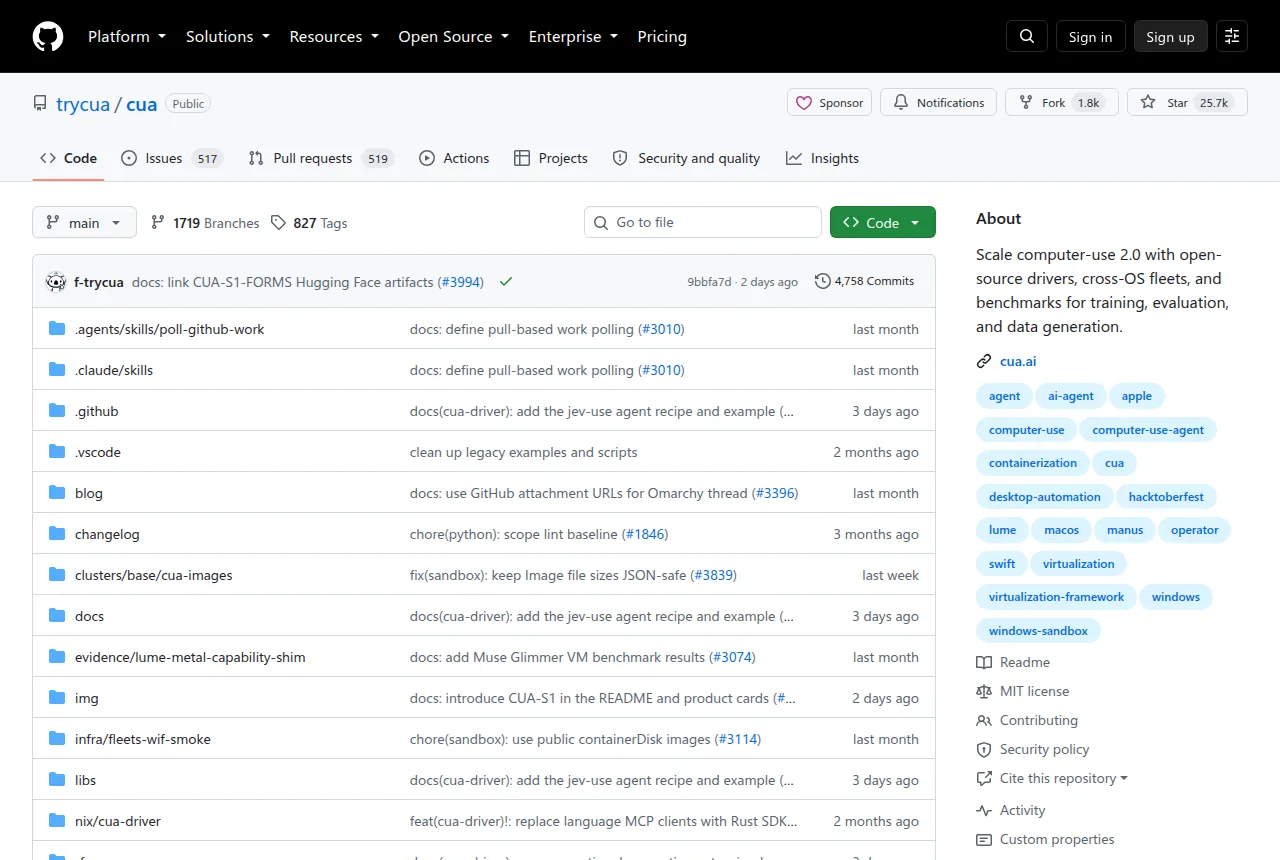
At its core, Cua is an open protocol stack built on five key modules:
Cua Fleets: The entry point for provisioning cloud desktops. With a single click on the web, you get an isolated Linux desktop environment, and your code sends commands and verifies results via screenshots through the Sandbox SDK. This solves the pain points of unstable local environments and difficult permission configuration—especially valuable for team deployments.

Cua Driver: The real “automation engine.” It supports macOS, Windows, and Linux, and can operate apps in the background without requiring focus (when the platform allows). Connected via CLI, MCP, or SDK, it executes atomic operations like clicks, keystrokes, and screenshots. For example, telling an agent to open the calculator, input “6 × 7,” and capture a screenshot to confirm the result reads 42.
CUA-S1: A series of small models designed specifically for desktop operation. Officially dubbed “System 1 models”—analogous to human instinctive, fast decision-making. It doesn’t replace large models’ planning capabilities but focuses on high-confidence interface decisions, such as form field filling and button selection. The first release, CUA-S1-FORMS, concentrates on scanning and completing form structures.
Lume: A local macOS virtual machine tool for Apple Silicon. Leveraging Apple Virtualization.Framework, it creates a Tahoe VM with a single command, eliminating tedious system installation and activation processes. Critical for privacy-sensitive scenarios or situations where cloud desktops aren’t viable.
Cua Bench: A task construction and evaluation framework. It supports dependency-free simulated tasks for rapid validation and can export real trajectories for training. It makes “testing whether an agent can complete a task” as repeatable as a unit test.
Getting started is straightforward. Here’s how to drive the Calculator app on macOS:
| |
Cloud Fleets take just a few lines of Python code:
| |
The technical highlights lie in its carefully designed “deep-layered architecture”:
Unified driver-layer abstraction: Cua Driver provides consistent Action interfaces to the upper layers by adapting to different OS interaction protocols (Accessibility API, Windows UI Automation, etc.). This means your agent logic doesn’t need to care about the running platform.
Background operation without focus stealing: When the platform supports it, the driver engine uses virtual input or accessibility interfaces to avoid hijacking the user’s focus during agent operations. This is crucial in real-world workflows—nobody wants their workflow interrupted by constantly popping windows.
Sandboxed isolation design: Cloud desktops use sandboxed containers, while local VMs are managed by Lume. Both share the same SDK interface, so developers can build locally and deploy to the cloud with a seamless workflow.
Evaluation feeds training: Cua Bench is more than a testing framework—it exports trajectory data (state-action-reward) that can be fed directly into training pipelines. This closes the loop between “evaluation → feedback → optimization,” preventing the disconnect between evaluation and training.
The target audience is clear:
- AI teams: Those needing agents to genuinely operate software, not just read web content. Cua provides a testbed and standardized interfaces.
- Researchers: Who urgently need controllable environments for evaluating computer usage capabilities. Cua Bench allows building deterministic tasks with zero dependencies, yielding reproducible results.
- Enterprise developers: For whom Lume running native macOS on Apple Silicon, paired with Fleets cloud provisioning, offers a more complete privatized deployment solution.
What sets Cua apart from similar solutions: traditional automation tools (like Selenium, Playwright) only target browsers; AutoHotkey and AppleScript are platform-locked scripts. Cua is the first to propose a unified “Computer Use Protocol Stack” concept, covering desktop, browser, API, and code—truly realizing what Computer-Use 2.0 calls “agents moving freely across multiple interfaces.”
Cua’s significance is turning AI agents from “observers behind glass” into “participants who can touch the keyboard.” When models no longer rely on parsing page text but can interact with interfaces the way humans do—the true start of this era is only just beginning.