Lynx Core | GitHub Deep Dive: Archify — An Interactive Architecture Diagram Engine with Built-in Motion
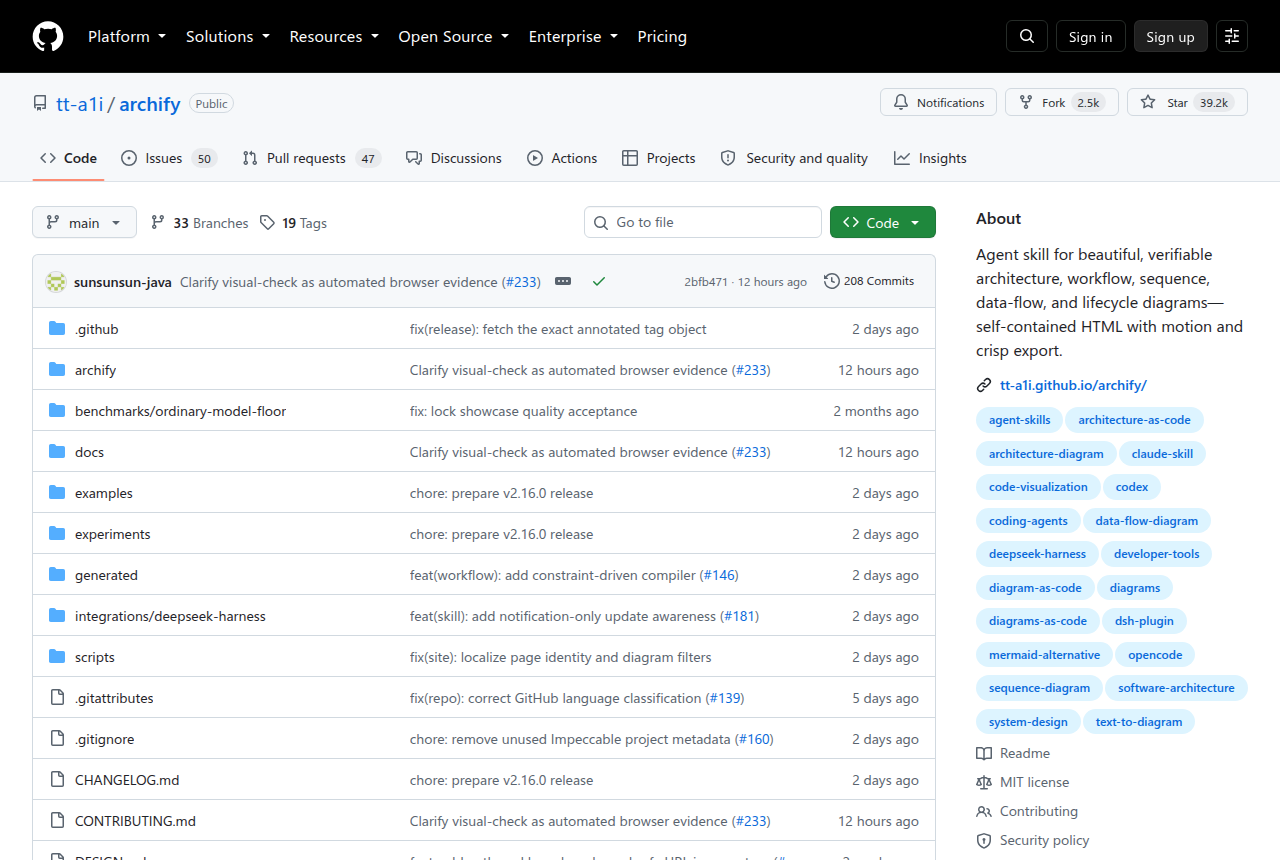
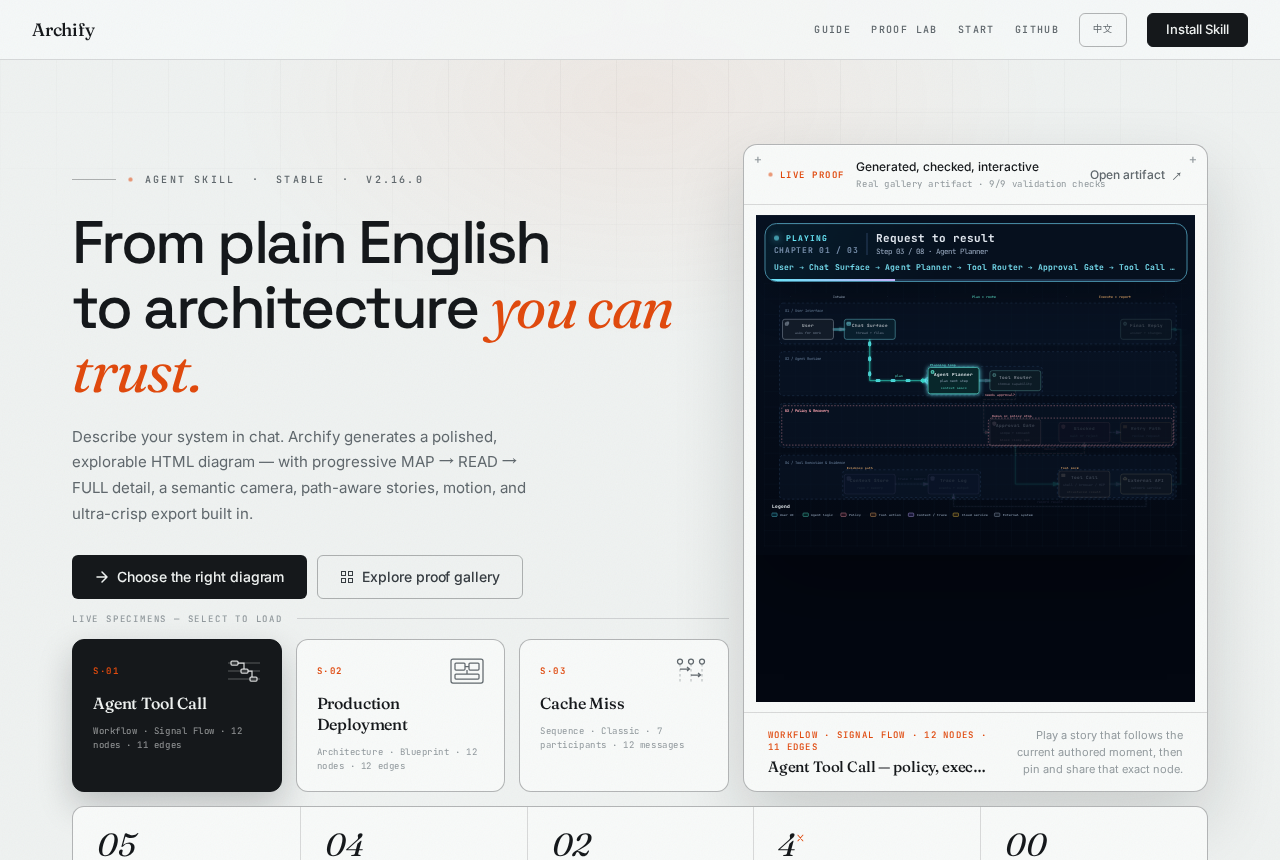
What is it? A tool that instantly turns a codebase or system description into interactive architecture diagrams — it hit the GitHub Trending front page today. Instead of drawing by hand, it uses AI to read your code, then automatically draws, validates, and exports five professional diagram types.
In software engineering, architecture diagrams have long suffered from three pain points: manual drawing is time-consuming and error-prone, diagrams drift out of sync once the repository changes, and sharing them lacks context. Archify’s insight is to push the “Architecture as Code” idea to a new stage: it not only generates diagrams, but also preserves author intent, supports version comparison, and can trace upstream and downstream dependencies.
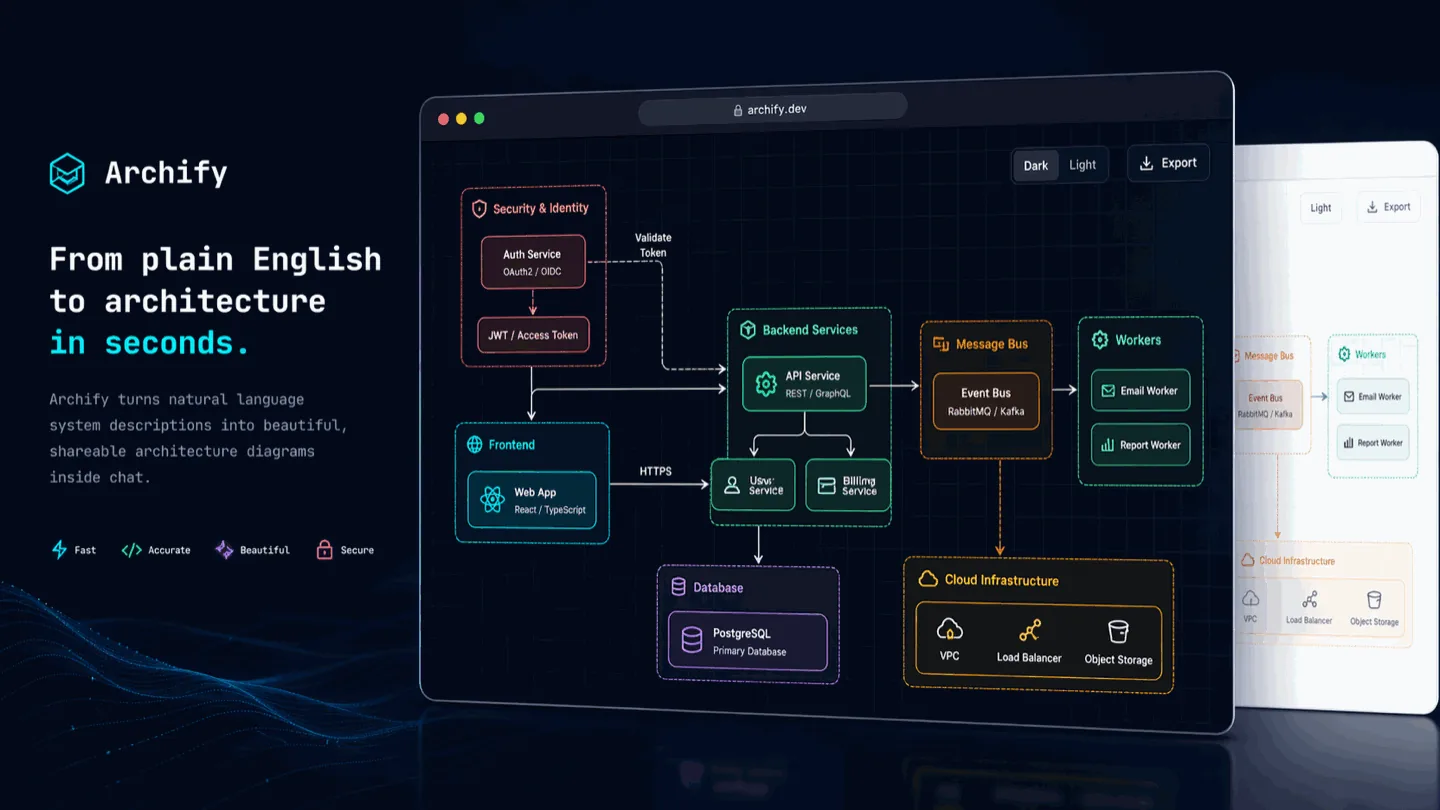
Core Features: Five Diagram Types, Four Preset Styles
Archify supports five professional diagram types, each mapped to a different engineering communication scenario:
- Architecture: component diagrams, service boundaries, trust boundaries — ideal for showing overall system layout
- Workflow: workflow diagrams, CI/CD pipelines, approval chains — clearly marks participants and branch conditions
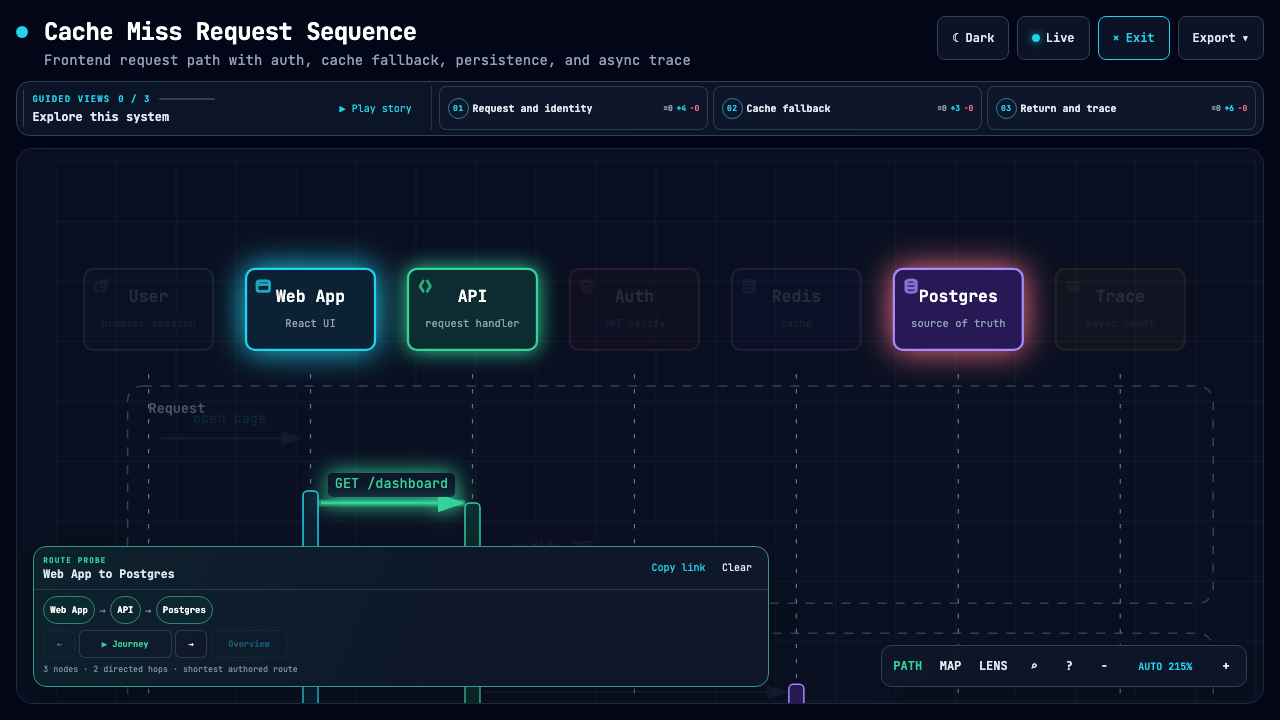
- Sequence: sequence diagrams, call timing, method call chains — see how data flows between components
- Data-flow: data flow diagrams, pipeline processing, state transitions — shows how information is processed and transformed
- Lifecycle: lifecycle diagrams, resource state machines, runtime phases — captures an object’s full journey from creation to destruction
Four preset styles adapt to different audiences:
- Classic: clean and general-purpose, suited for technical docs and whitepapers
- Blueprint: engineering blueprint aesthetic, suited for architecture reviews and planning meetings
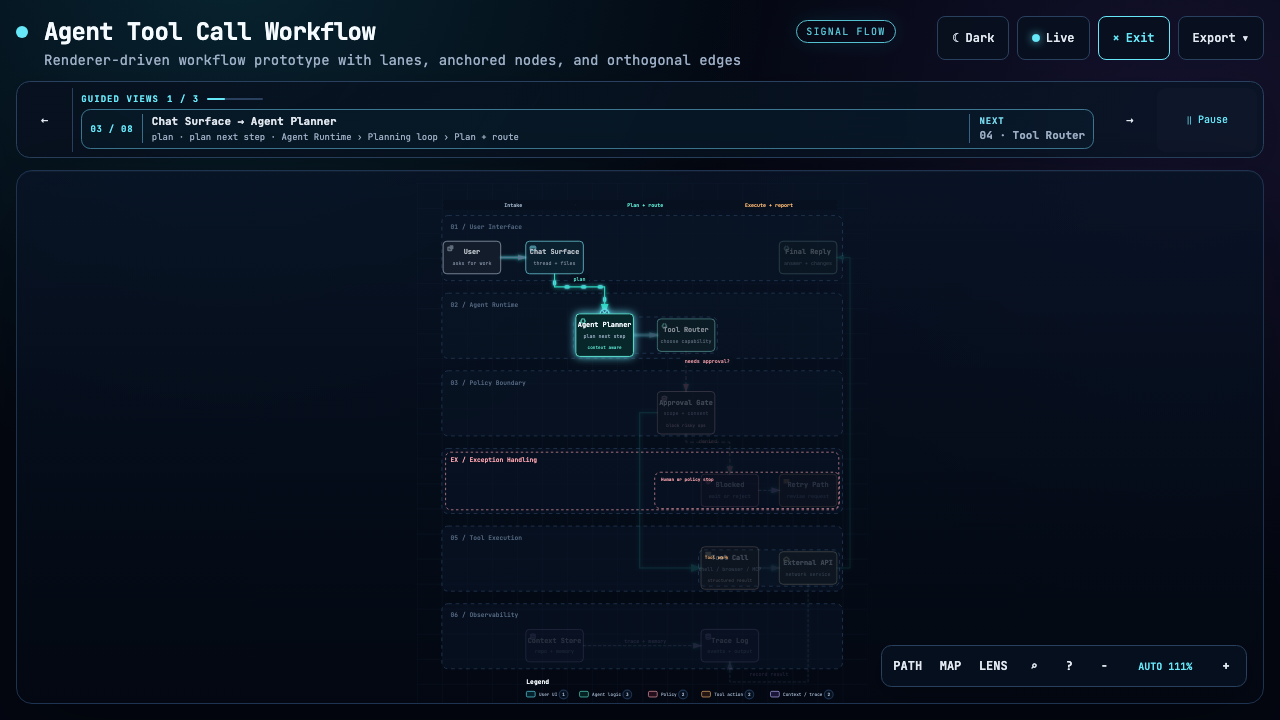
- Signal Flow: explicit signal direction, suited for real-time systems and stream processing
- Brand: brand-marked, suited for external presentations and launches
Dead Simple to Start: Three Commands and You’re Drawing
Archify supports multiple usage modes and can start without a repository:
| |
Once installed, just describe the system naturally in chat:
“Draw with Archify: Browser -> API -> Redis cache -> PostgreSQL fallback”
Or analyze an existing repository directly:
“Analyze this codebase and generate a high-level architecture diagram of 8–12 core components, including main paths, external dependencies, and trust boundaries”
You can then follow up with refinement commands: “add Redis”, “move the auth module to the left”, “highlight the rollback path” — it keeps the JSON source document, so every change is traceable.
Technical Highlights: Deterministic Rendering and a Validation Loop
Archify’s technical guts go well beyond visualization. Three design decisions are worth a closer look:
Typed JSON IR. It defines a typed intermediate representation (JSON IR): the architecture descriptions an agent generates follow this schema, and Archify then deterministically compiles them into HTML/SVG. This means the same input always produces the same diagram — no “random special effects” — which is critical for engineering documentation.
Delta Compare. It can compare two versions of an architecture snapshot and precisely output five categories of change facts: Added / Removed / Changed / Moved / Rerouted. Imagine checking the architecture diagram before a PR lands: no more eyeballing diffs — the machine generates the change list.
Reach Tracing. Given a source node, it traces upstream and downstream along the “author-declared dependency chain”, rather than runtime paths guessed by the engine. This keeps the diagram trustworthy — it shows the relationships the author asserts, not whatever calls might happen at runtime.
Who Is It For? Three Typical Scenarios
- Architects: after the codebase changes, no need to redraw — just diff out the architecture changes and quickly sync the team’s understanding
- Engineering managers: for presentations, export a standard 1200×630 “share card” (like a GitHub social preview), saving the post-screenshot cropping work
- AI agent engineers: integrate it as an Agent Skill into tools like Codex / Claude Code / Opencode, letting AI automatically produce interactive architecture docs
Compared with similar tools:
- Mermaid family: lightweight but depends on handwritten syntax, and version management is painful; Archify decouples “design intent” from “rendering language” via JSON IR
- Draw.io / Excalidraw: friendly interactivity but manual operation required; Archify focuses on the “automated generation” scenario
- PlantUML: code-driven but with a steep learning curve; Archify is designed for AI agents, so prompts feel more natural
When Not to Use It
- When you need highly customized visual design — Archify optimizes for “fast comprehension” rather than fine-grained polish
- For purely static flowcharts — its Motion and interactivity features just add file weight
- When you need automatic reverse-inference of architecture — it relies on an agent supplying the typed JSON IR and does not do pure static code analysis
Final Thoughts
What’s interesting about Archify is that it doesn’t try to replace professional diagramming tools — it redefines how architecture diagrams should work with agile development. When a team starts maintaining architecture docs like code, and every commit brings verifiable changes, that may be the signal that the “Architecture as Code” idea is truly landing.
It doesn’t depend on GitHub Actions or a CI pipeline — diagram generation and updates happen entirely through agent chat. This kind of “incremental architecture evolution” experience is worth a try for every tech lead.