
Core Announcement: VS Code 1.137 Now Available
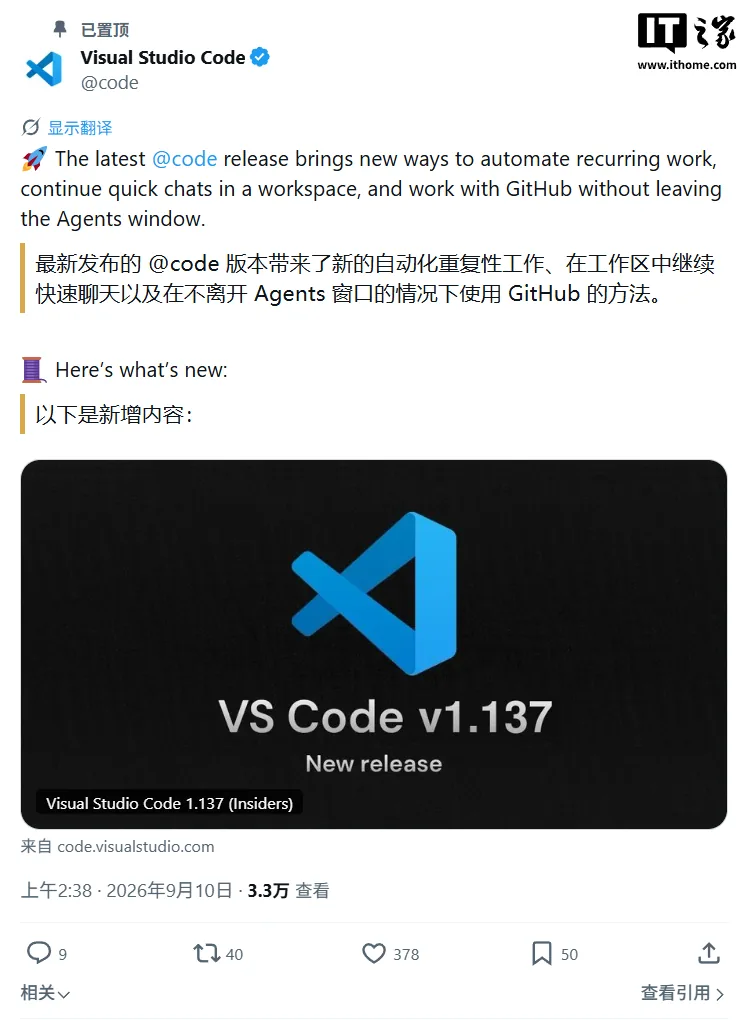
Microsoft released Visual Studio Code 1.137 on September 10, 2026. The update is free and available to all users via automatic update or direct download from the official website.
Key facts:
- Release date: September 10, 2026
- Version: 1.137
- Availability: Free for all users, no subscription required
- Feature status: Fully available, with 3 out of 5 core functions in preview or experimental stages
- Focus area: Enhanced AI agent (Agents) capabilities
Five New Features: Real AI Capability Expansion
This update introduces 5 major enhancements, with three still in preview or experimental tiers, reflecting continued investment in AI-rich development tooling.
Automations (Scheduled Tasks) — Preview
Users can now configure AI agent tasks with scheduled timers: hourly, daily, or weekly. After enabling chat.automations.enabled, navigate to Automations in the Agents sidebar to use preset templates (e.g., change tracking, issue classification, bug search) or custom prompts with schedules. Microsoft’s push is gradual—no general rollout date has been announced.
Voice Mode — Experimental
With agents.voice.enabled, users can interact with agents via voice by clicking the Voice Mode button in the chat input field. A surprising capability: users can interrupt or redirect ongoing agent tasks mid-response, improving interactive efficiency. The mode also recognizes session states to answer questions about the running session, selected model, and attached files. However, administrators can disable this via Copilot preview toggles—meaning the feature’s availability hinges on organizational Copilot policy, a non-obvious dependency.
Quick Chat → Workspace Context Previously, Quick Chat sessions lacked continuity with workspace-specific work. Now, when discussing specific projects, users can ask Copilot to attach local folders and continue the same chat. The original title, history, and current request persist after conversion; the agent then auto-accesses project files. This feature currently works only within the Copilot framework, excluding users on other contexts.
GitHub Issue / PR Integration
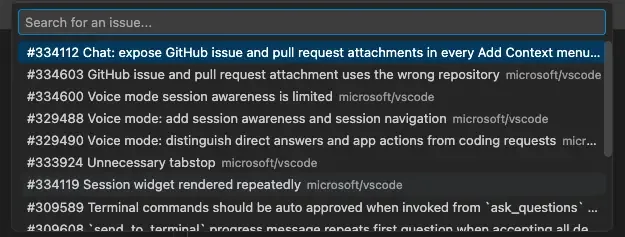
Issue and PR details appear directly in the Agents window—even if the repository is not opened locally. Two prerequisites apply: install the GitHub Pull Requests extension in the default profile, and enable extensions.experimental.enableAgentsWindowCapability. Clicking a github.com link no longer opens the browser—the content renders inline. Additionally, any chat input box supports attaching issues or PRs via the “Add Context” menu, enriching agent decision-making.
VS Code Pet Interaction — Experimental
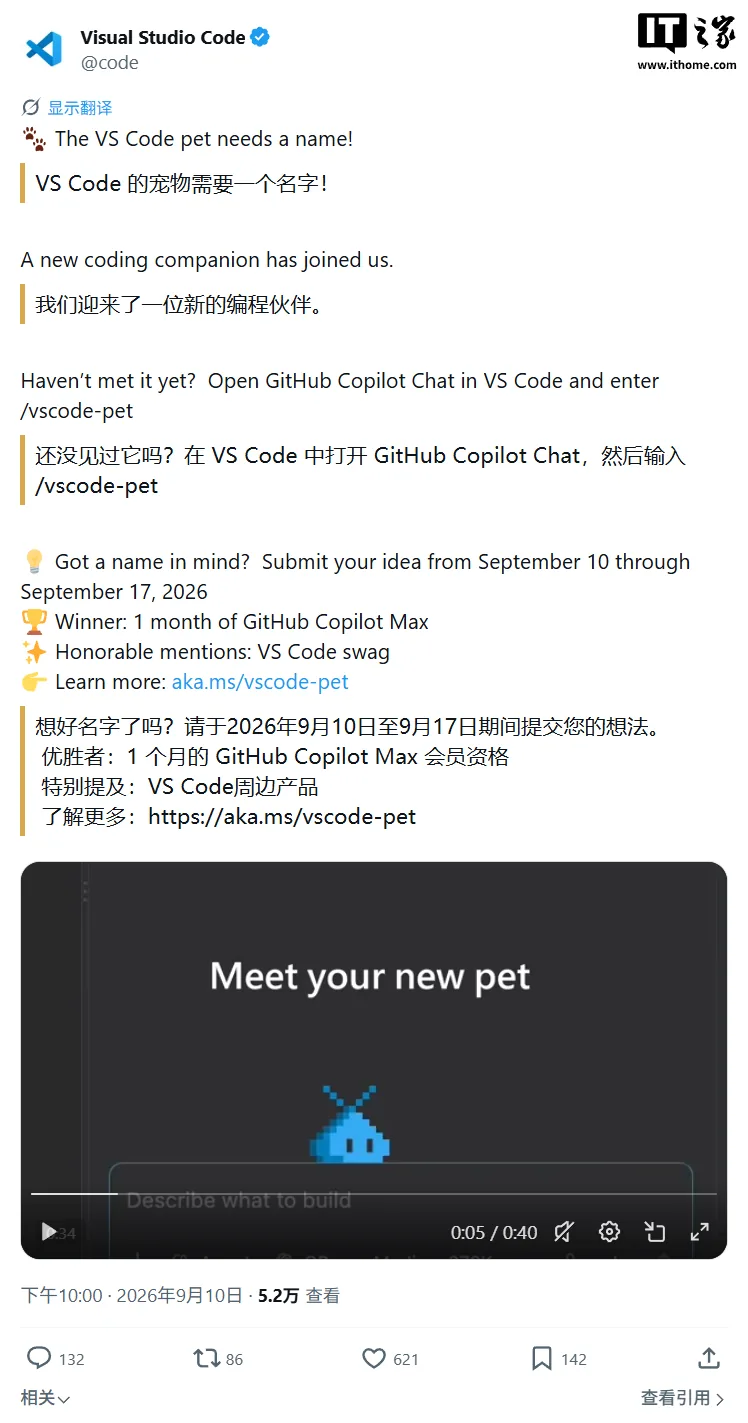
Microsoft launched a pet naming campaign alongside this update. The experimental feature provides an interactive pet that responds while users work with agents. Enable via /vscode-pet or chat commands. The naming contest runs from September 10 to September 17, inviting community suggestions.
Feature Status Breakdown
Among the 5 core enhancements, only GitHub integration and Quick Chat-to-workspace conversion are stable; others remain pre-release.
| Feature | Status | Required Setting | Limitations |
|---|---|---|---|
| Automations | Preview | chat.automations.enabled | Rolling out gradually |
| Voice Mode | Experimental | agents.voice.enabled | Copilot-only; admin-disablable |
| GitHub Issue / PR | Stable | extensions.experimental.enableAgentsWindowCapability | Requires GitHub extension |
| Quick Chat → Workspace | Stable | None | Copilot framework only |
| VS Code Pet | Experimental | Built-in | Demonstrative only |
Recommendations: Adopt Based on Workflow Needs
- Try now if you: Use GitHub workflows regularly—integrated issue/PR viewing and Automations can显著 reduce context switching and administrative overhead; Copilot users should experiment with Voice Mode for hands-free task iteration.
- Wait if you: Rely on production-grade AI outputs—preview features may change behavior unexpectedly; enterprise admins should audit Copilot settings, as disabling them cascades to Voice Mode.
- Everyone: Participate in the pet naming campaign for low-effort engagement.
Writer’s Note
This update signals VS Code’s evolution from a chat-centric AI assistant to a workflow-embedded copilot—albeit cautiously. The 60% pre-release feature weight shows Microsoft balancing early adoption incentives with stability requirements for professional开发者 audiences.