
TikTok’s review cycle has been consistently over 20 days lately. For short drama teams, that wait time is frankly unreasonable.
We tried a different approach: publish new dramas directly on YouTube. Our new channel’s first drama racked up over 100,000 hours of watch time within 7 days of launch. That kind of speed is unimaginable on TikTok.
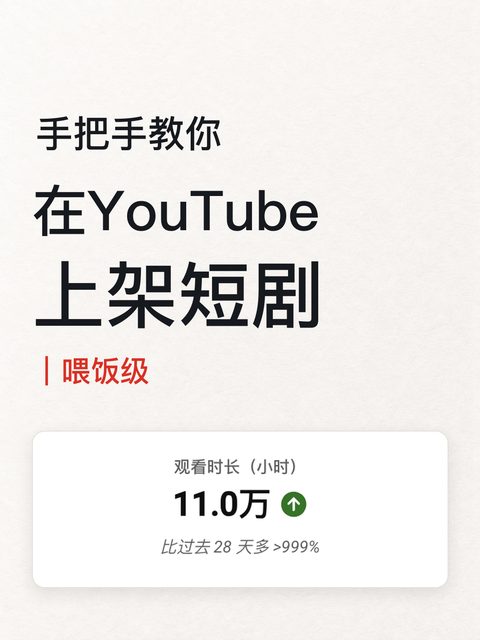
This article breaks down our entire process from zero to publishing the first episode. No prior YouTube operations experience needed—just follow along and you’ll get it published.
Before You Start: Four Things to Prepare
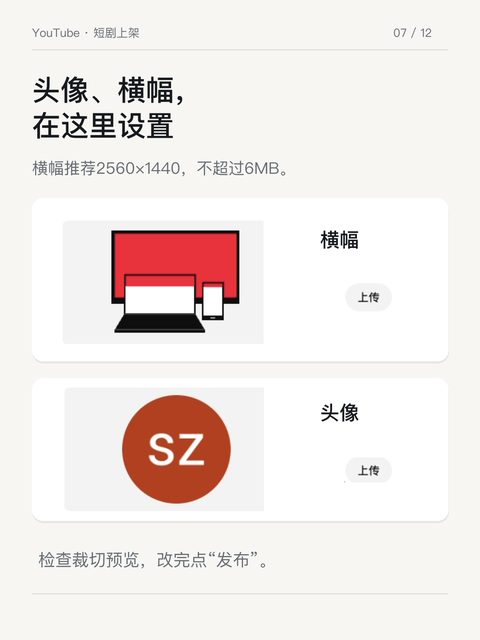
A stable network environment, a Google account you can manage long-term, a channel name and avatar, and one short drama episode you have the rights to publish. Have the episode title and description written out in advance—don’t improvise them in the upload interface.
With these ready, the rest is pure execution.
Register a Google Account
Go to the Google homepage, click “Sign in” in the top right, select “Create account,” choose “For personal use,” and follow the prompts to complete verification. If you already have an account, skip this step.
After registering, set up a recovery email right away—you’ll save yourself a headache later if you ever need to recover the account.
Create a Channel
Log in to YouTube, click your avatar in the top right, and select “Create channel.”
One detail people trip up on here: the channel name and the @ handle are two separate fields—don’t fill them in as one. The name is what’s displayed to viewers; the @ handle is the channel’s unique address.
Basic Setup
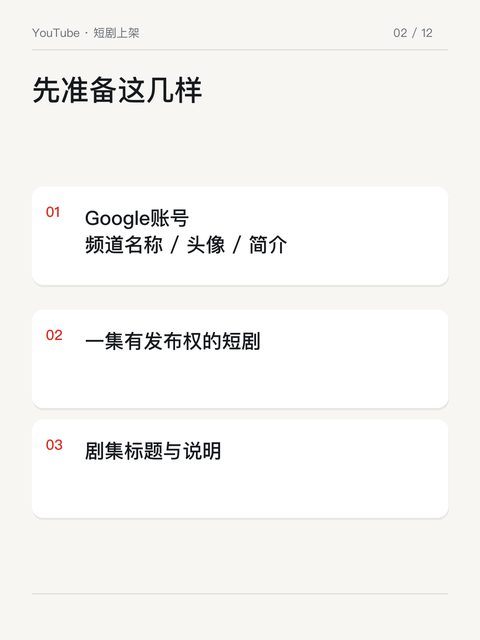
Go to “Customize channel” and fill in your avatar, name, and description. Add a banner if needed.
Don’t just throw something together for the description. If you’re not sure about your update frequency, don’t write “daily updates”—making a promise you can’t keep is worse than making no promise at all.
Remember to click “Publish” after making changes. A lot of people edit everything and just close the tab—wasted effort.
Understand Video Types: Shorts Have Hard Rules
YouTube automatically classifies square or vertical videos under 3 minutes as Shorts. Most short dramas fall into this range, which is good for cold starts—Shorts have their own separate traffic pool.
Videos over 15 minutes and certain features have eligibility requirements—check them under Studio’s “Settings → Channel → Feature eligibility.” Note: being able to upload and being able to monetize are two different things—don’t conflate the two.
Upload the First Episode
In Studio, click “Create → Upload video” in the top right.
Don’t just use the export filename as the title. The format we use is:
【Drama Name】EP01|【Core conflict of this episode】
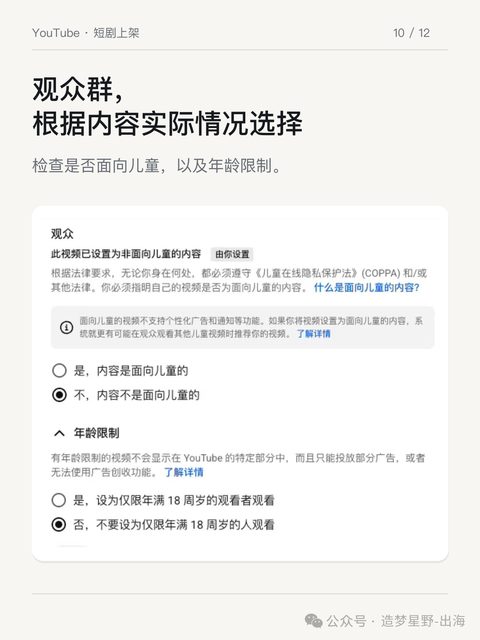
Fill in the description with plot details, language, and other relevant info. Select the audience based on the actual content.
If the drama is AI-generated, complete the AI disclosure honestly. This is not optional—the platform checks.
Watch It Yourself Before Publishing
My approach: the first time, save it as “Unlisted,” grab the link, open it yourself, and check the audio, subtitles, video quality, and the beginning and ending. Once you’ve confirmed everything looks good, switch it to “Public.”
Note: “Unlisted” doesn’t mean private. Anyone with the link can view it—don’t use it to hide anything.
If you get a copyright claim, deal with it first—don’t just push through and publish anyway.
Publish One Episode First—Worry About the Rest Later
Topic selection, update cadence, monetization requirements—all of these can be addressed separately. But everything hinges on one premise: “you’ve already published your first video.”
Getting it out there is the first step of going global.